v2.2 | 10
A920 REFERENCE GUIDE
4. Terminal Location
Position the A920 on a counter-top, desktop, or tabletop when not in use. Keep the A920 away from
direct sunlight, excessive dust, moisture, and heat. Avoid locating the A920 near electrical devices that
might introduce interference such as microwave ovens and blow dryers.
5. Basic Operating Instructions
This section is intended to demonstrate how to utilize the basic operations of the A920.
5.1 AC Power Connection
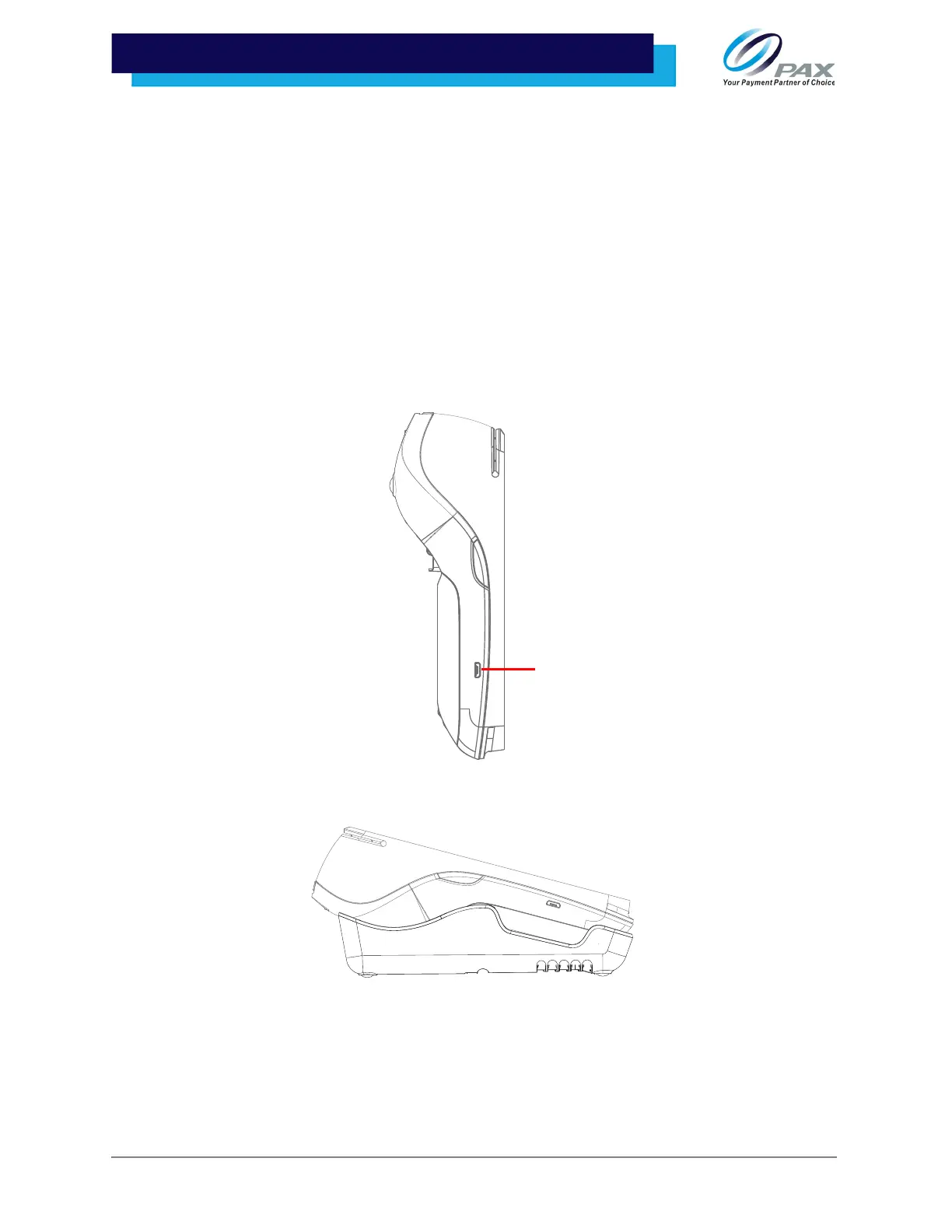
The A920 can be powered in two ways:
1. Plug the power supply and cord into the Micro USB port.
2. Seat the A920 on the optional L920, a charging base with ports.
Please Note:
• Connecting the power source before all other cables are connected may result in
damage to the terminal and/or connected devices.
• Disconnecting the power supply while applications are being downloaded to the
terminal may result in improper application download and/or damaged Flash
memory.



 To Next Page