v2.2 | 15
A920 REFERENCE GUIDE
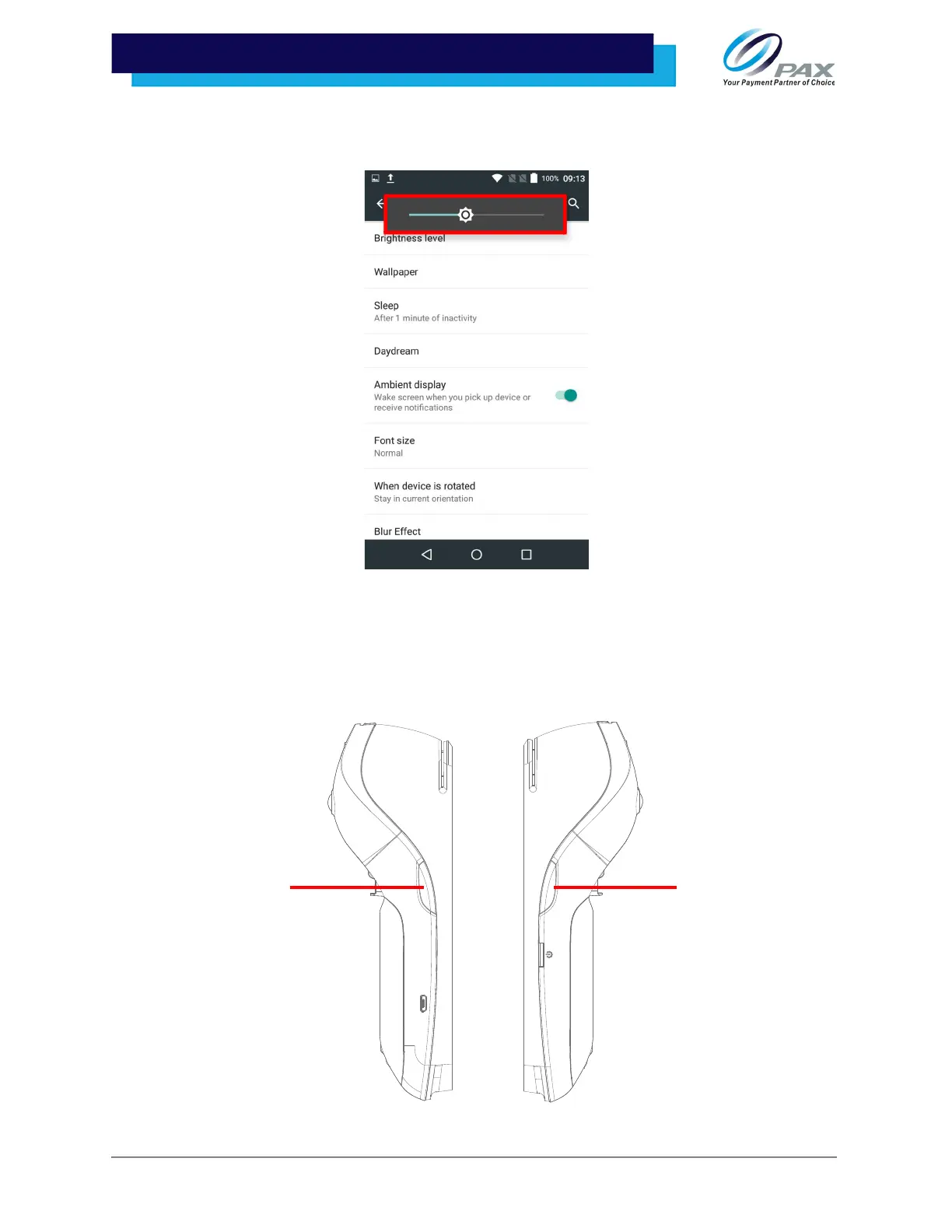
3. Within the Display Settings, select [Brightness level]. Slide the wheel left or right
to adjust the brightness level of the screen.
5.5 Adjust the Volume
There are two ways to adjust the volume:
1. Press the button on the right side of the device to raise the volume and/or press
the volume on the left side of the device to decrease the volume.



 To Next Page