v2.2 | 45
A920 REFERENCE GUIDE
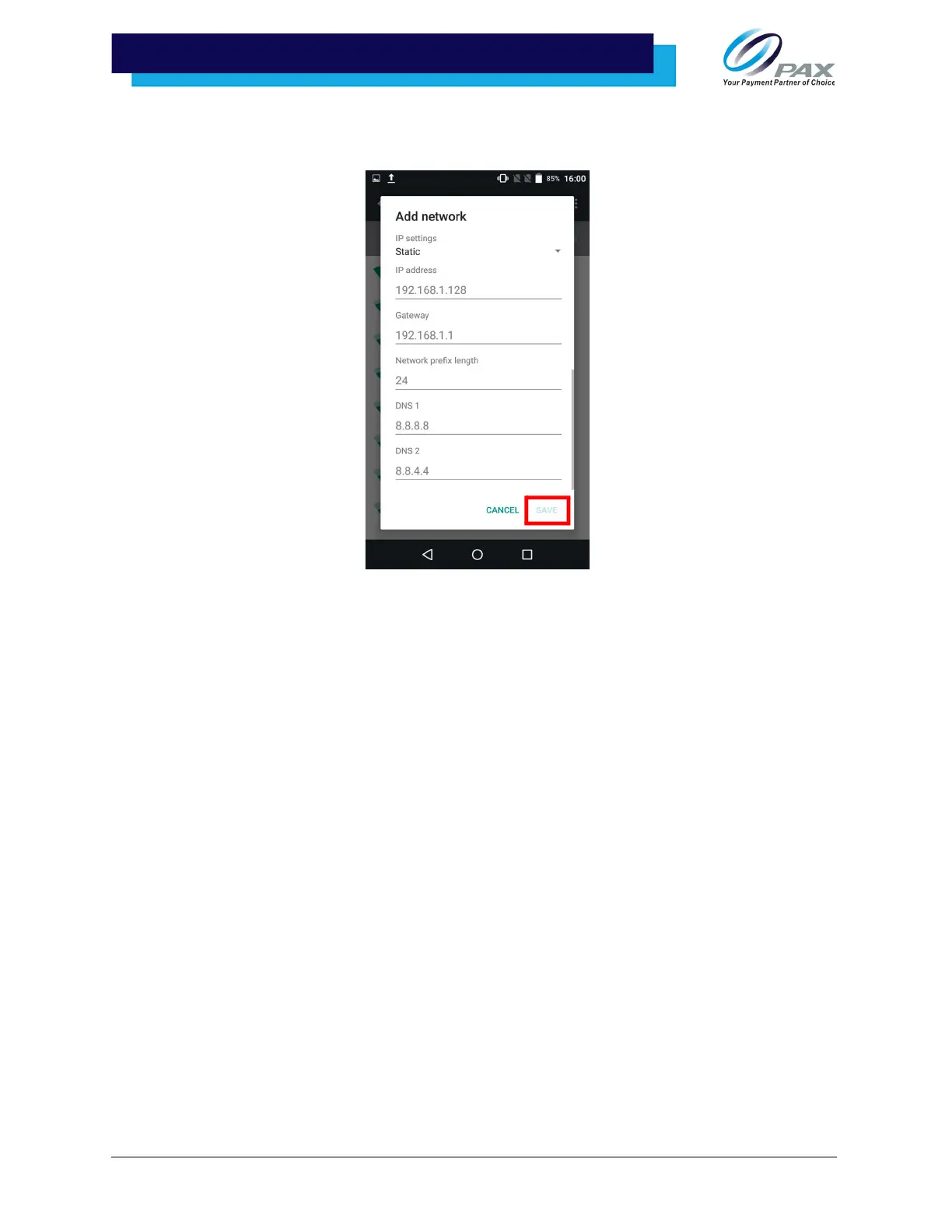
11. Enter the IP address, Gateway, Network prefix length, DNS 1, and DNS 2. Once all
inputs have been entered, select [SAVE].
10.5 Cellular
It is optional for the A920 to support cellular communications. Either an AT&T®, Verizon®, or T-Mobile®
SIM card is required to support cellular communication. For the terminal to communicate with the host or
to download applications, the terminal communications method must be configured properly. Please
consult your cellular carrier for additional configuration questions.
Please Note:
• The A920 may come with the SIM card already installed.
• 4G communication will not work if the device is setup for either Wi-Fi or LAN
communications at time of 4G setup.
• The A920 only supports size 2ff SIM cards; for Micro or Nano SIM cards, a spacer
must be used.



 To Next Page