v2.2 | 40
A920 REFERENCE GUIDE
10.4 Proxy
The A920 supports a proxy setup. In this case, another computer, or proxy server, acts as a hub through
which the Internet requests for the A920 are processed. By connecting through the server, the A920 sends
its requests to the server which, in turn, processes the request and then returns the response to the A920.
In this way, the server acts as an intermediary between the A920 and the Internet.
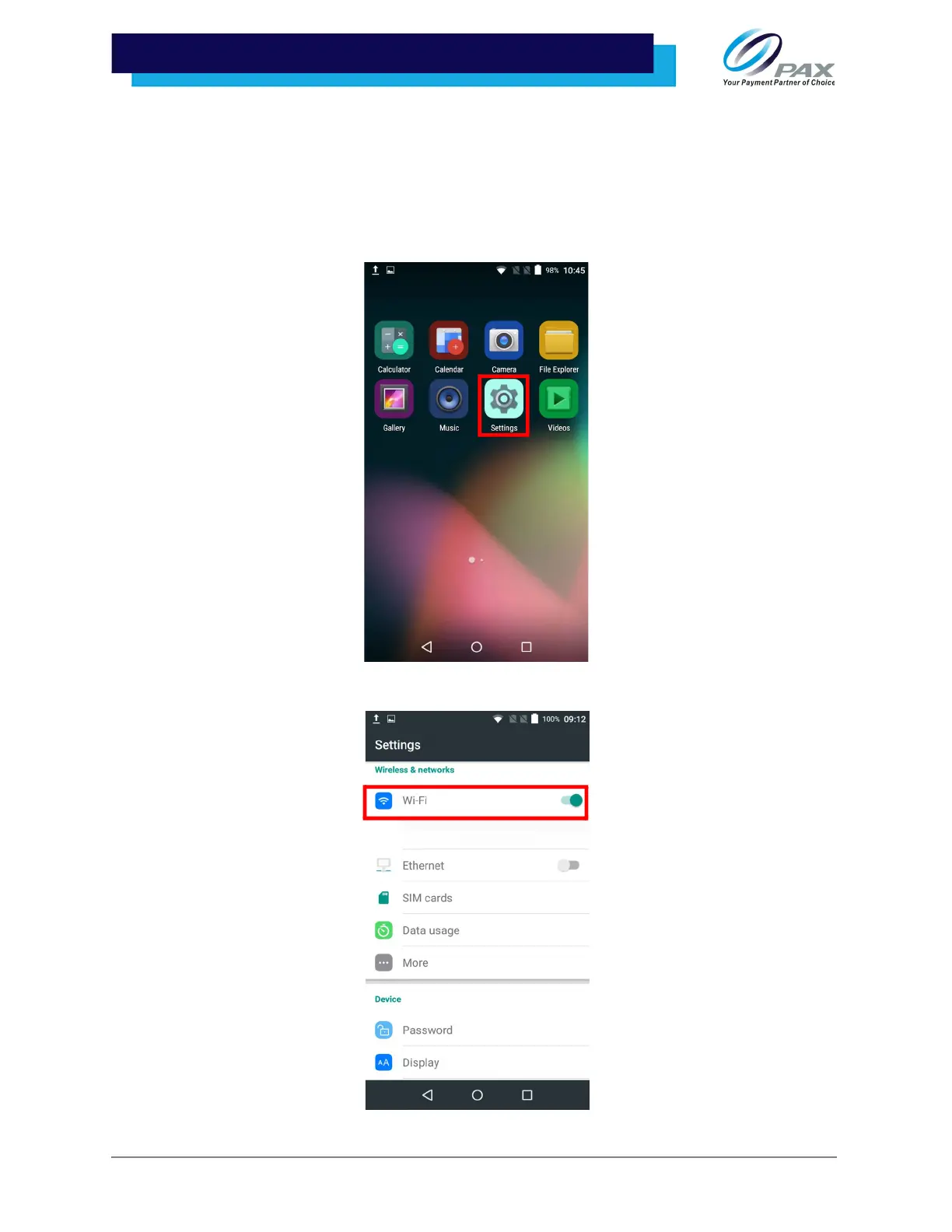
1. Select [Settings].
2. Select [Wi-Fi] and slide the Wi-Fi toggle right to turn on.



 To Next Page