v2.2 | 29
A920 REFERENCE GUIDE
9.3 NFC/Contactless Card Reader
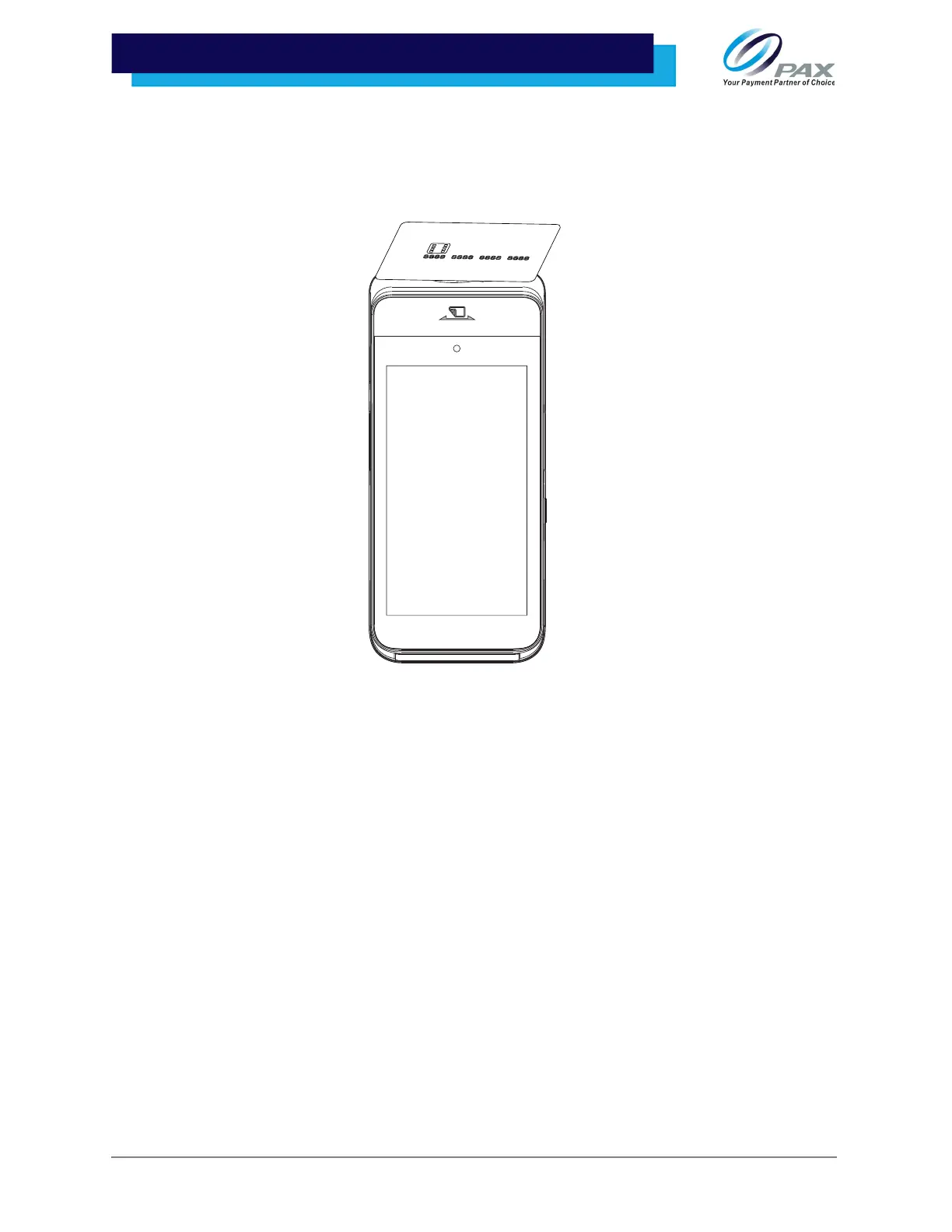
The A920 has a contactless card reader with an RF antenna located at the top of the device. The read area
is indicated by the contactless icon. The contactless card reader supports ISO14443 Type A/B.
To use the contactless card reader, place the card roughly parallel to the contactless area. For best results,
place as close to the contactless area as possible with the card centered.
10. Communications Setup
The A920 supports Wi-Fi and Cellular for network and Internet access. Wi-Fi is a wireless computer
network that links two or more devices using wireless communication to a local area network (LAN)
within a limited area, such as a store or office building.
Available access types of Wi-Fi on the A920 are DHCP, Static IP, Manual Static IP, and Manual Proxy. The
following sections include step-by-step procedures for setting up each of these communication types.
10.1 DHCP
The A920 supports DHCP setup for network and Internet access. DHCP stands for Dynamic Host
Configuration Protocol. DHCP is a network management protocol used in IP networks. The DHCP server
dynamically assigns an IP address and other network configuration parameters to each device on the
network.



 To Next Page