v2.2 | 20
A920 REFERENCE GUIDE
5.9 Cleaning the Device
• Do not immerse the device in water or liquid.
• Do not spray water or cleaner into EMV Card Reader or ports.
• To clean the device, apply distilled water or mild glass cleaner onto a soft, lint-
free cloth and gently wipe terminal.
6. Battery Information
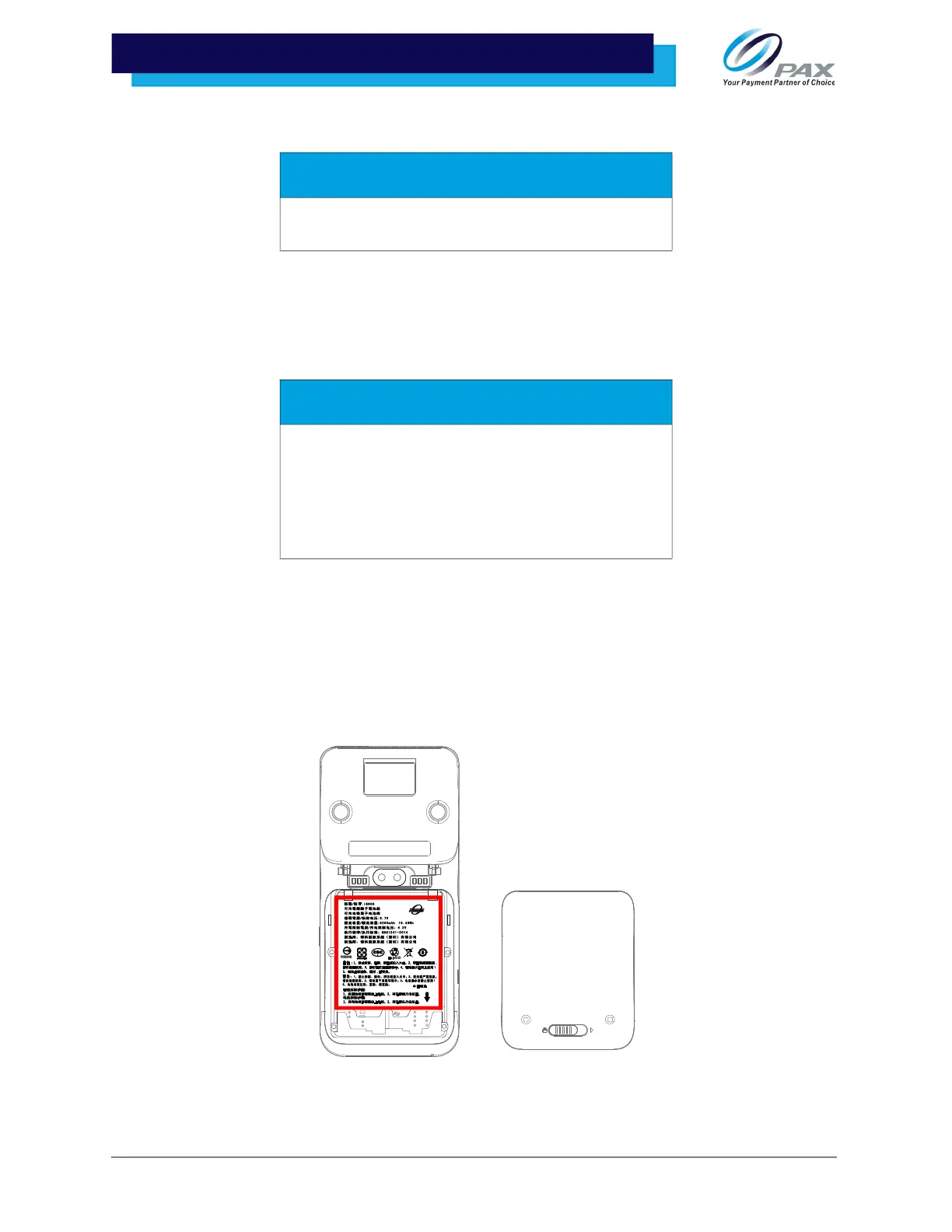
The A920 comes with a 5V 5250mAH battery.
6.1 Battery Location
The battery is located at the back of the A920.
WARNING
Do not use industrial strength or abrasive cleaner as it
may damage or scratch the device.
CAUTION
Changes or modifications not expressly approved by
the party responsible for compliance could void the
user’s authority to operate the equipment. In a
domestic environment, this product may cause radio
interference in which case the user may be required
to take adequate measures.



 To Next Page