v2.2 | 50
A920 REFERENCE GUIDE
11. Optional L920 Base
The A920 has two optional bases: the L920-BC and the L920-BM. These sleek and elegant bases offer
reliable and aesthetically-pleasing platforms for the A920. The optional L920-BC charging base is a
counter-top base that is a simpler form of its multi-functional counterpart. While the L920-BC acts as a
charging base only, the L920-BM is multi-functional charging base with integrated ports that support LAN,
USB, RS232, and Micro USB connections.
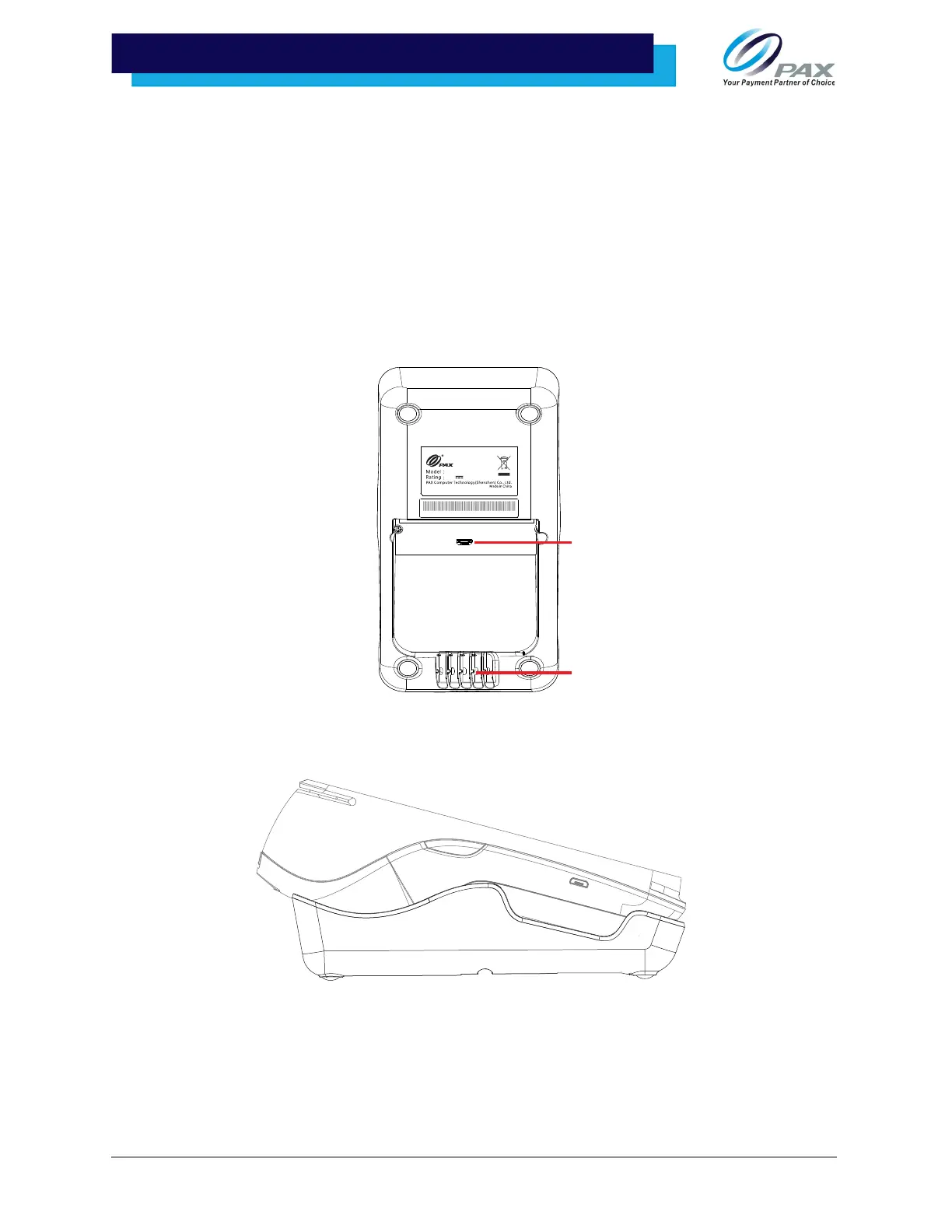
11.1 L920-BC Connection
1. Plug the provided A920 power cable and supply into the L920-BC charging port
and then route the cable through the cable guides at the bottom of the base.
2. Gently place the A920 into the base, from bottom to top, until the terminal sits
firmly in place.
Charging Port
2()+
9
4
L920-BC
5.0V
2.0A
Cable Guides



 To Next Page