v2.2 | 19
A920 REFERENCE GUIDE
5.8 Replace Paper Roll
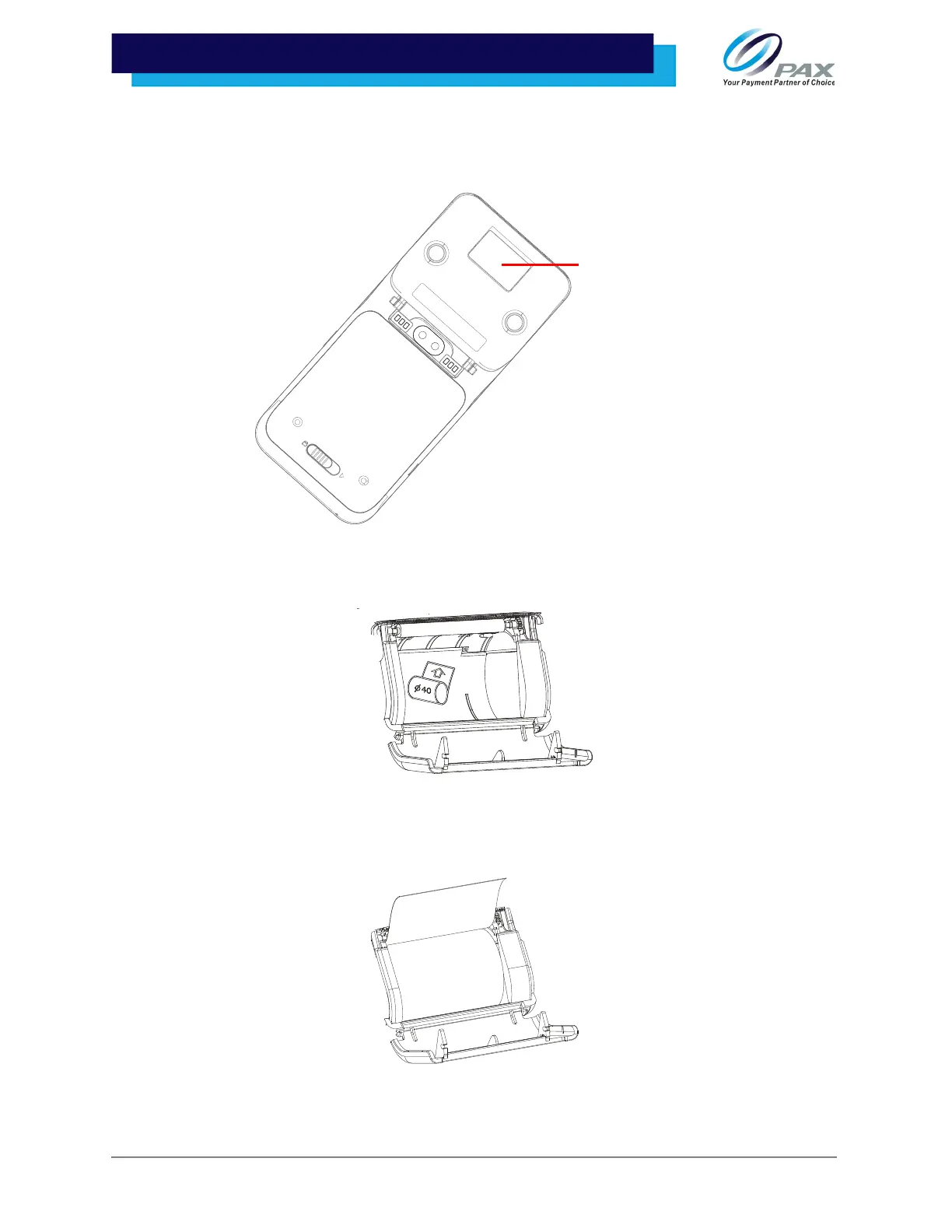
1. Open the receipt paper hatch.
2. Install paper roll according to the diagram inside; ensure that the paper is coming
out from the top of the roll.
3. Pull approximately 6” of paper from the roll and then press the paper hatch
closed until it snaps into place. Tear any excess paper up and away from the
device at a 45-degree angle.



 To Next Page