19
support@pax.us
(877) 859-0099
www.pax.us
9 Power Connection
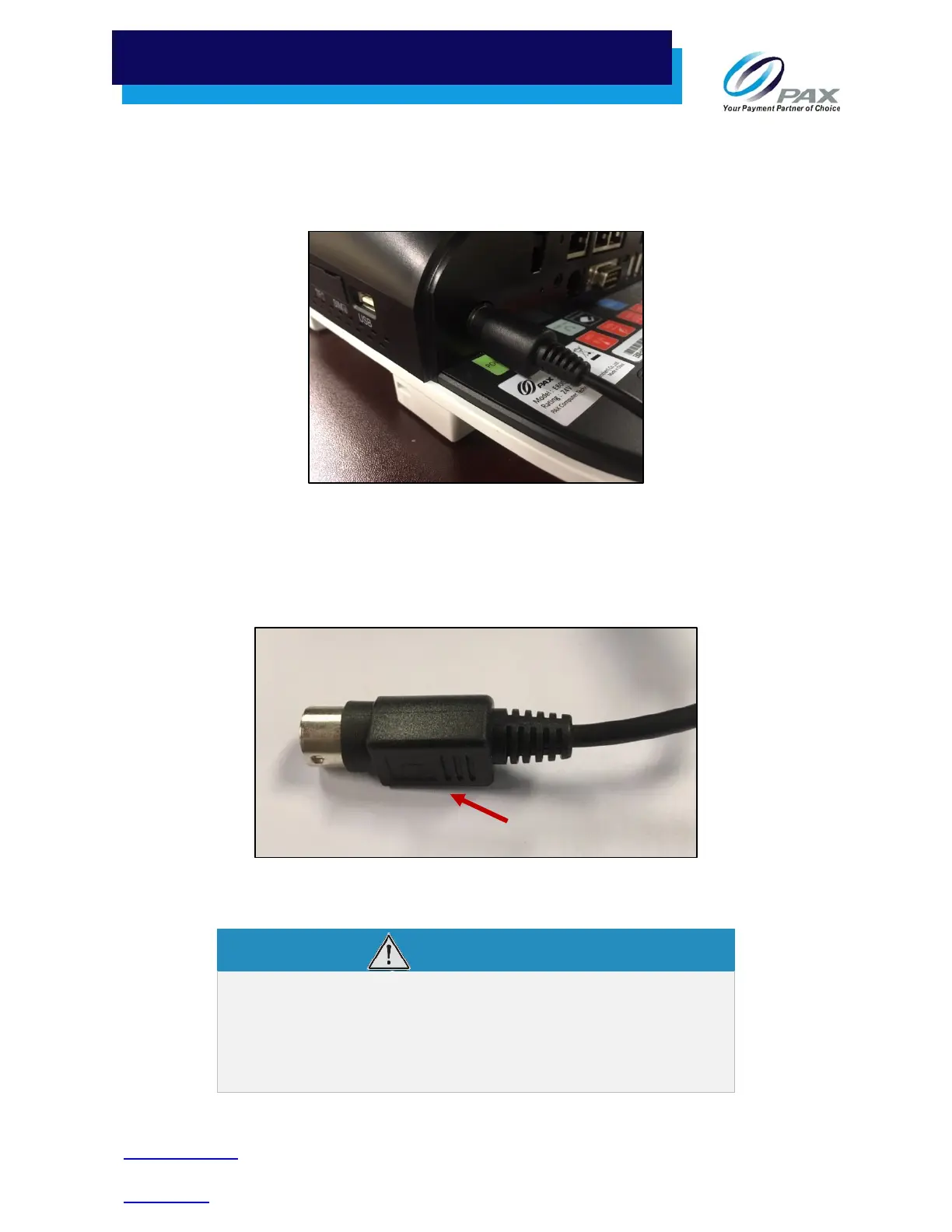
To connect power to the E800:
1. Plug the power adapter into the power port under the back cover.
Plug Power Adapter into Power Port
Note: The power cord connector can only fit one way into the power port. The flat side of the black
plastic cable sheathing must face down toward the light green POWER sticker on the E800
base.
Power Connector
DO NOT connect the other end of the power source
until all the other cables are connected first. Plugging in
the power cord to the power source before the other
cables are installed may result in damage to the
terminal or connected devices.
Flat Side of



 To Next Page