51
support@pax.us
(877) 859-0099
www.pax.us
18.2 Cellular Communication
The E800 supports cellular communications. An AT&T® or T-Mobile® SIM card is required to support
cellular communication. This section includes information about installing a SIM card, but your E800
may come with the SIM card already installed and ready to use when you receive your terminal.
In order for the terminal to communicate with the host or to download applications, the terminal
communications method must be configured properly. Please consult your cellular carrier for additional
configuration questions.
Installing a SIM Card
Power off the E800 and remove all power before you
install a SIM or Micro SD card.
To install a SIM card:
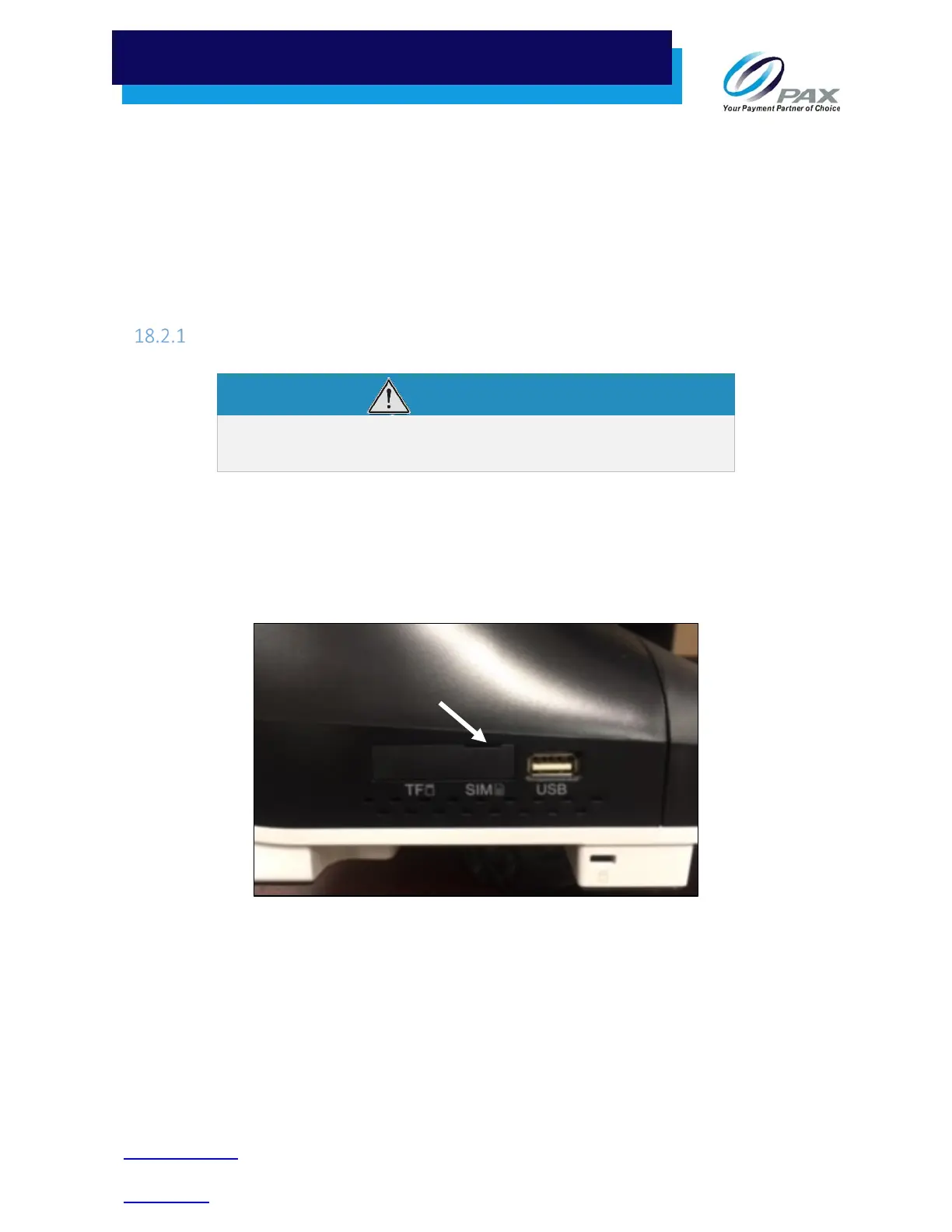
1. To open the port cover over the SIM slot, insert your finger into the notch above the SIM card slot
and gently pull open the cover. The cover remains attached to the side of the E800 so that it can be
reinstalled later.
Right Side Ports with Cover Closed
Notch



 To Next Page