32
support@pax.us
(877) 859-0099
www.pax.us
17 Default Software Applications
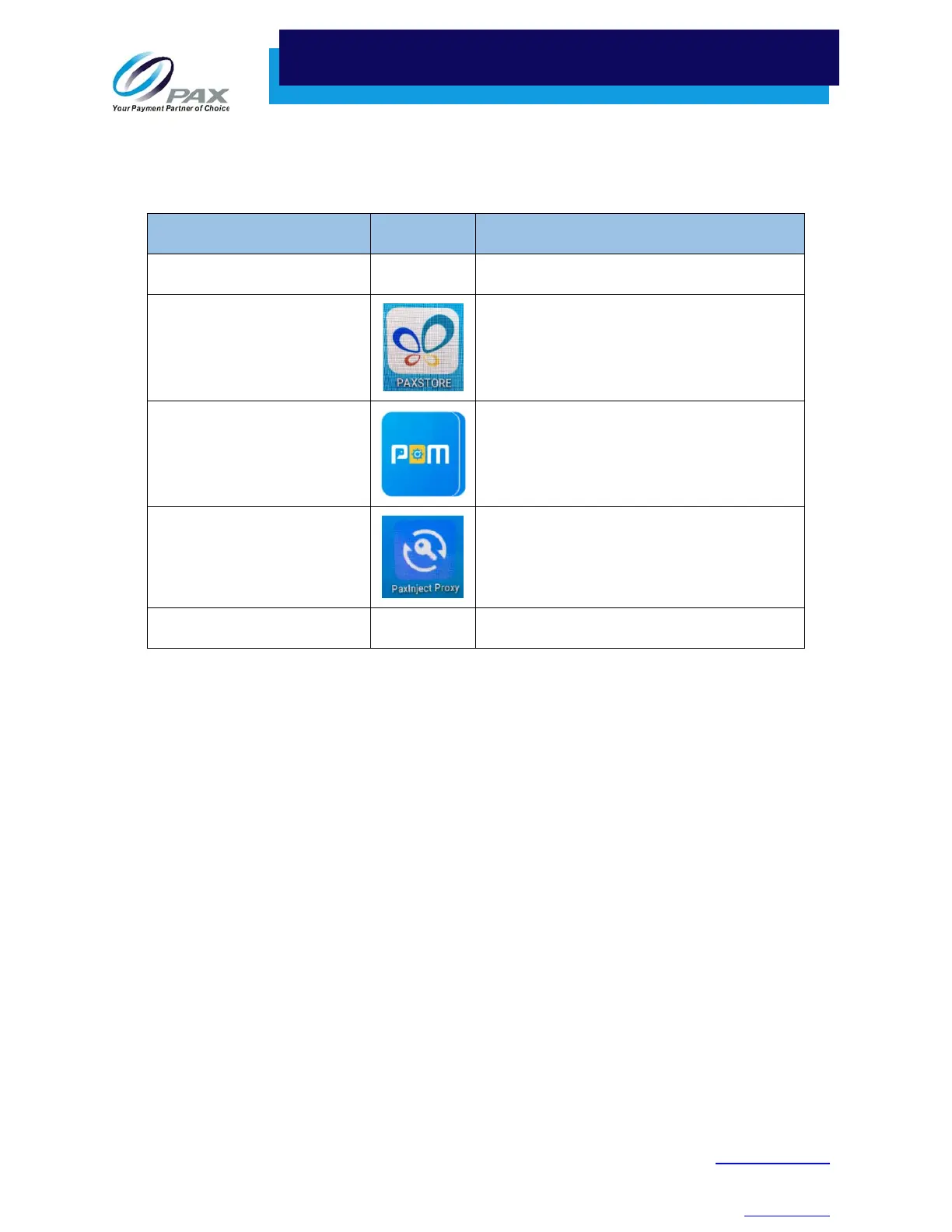
The E800 comes with the following set of default software applications installed:
Application Icon Description
PayDroid N/A Operating system. Powered by Android 6.0.
PAXSTORE Client
PAX Application Marketplace.
PAX-signed Android and Prolin applications
can be released through the PAXSTORE.
PDM
Payment Device Management.
Assists customers with software
management of POS and Smart POI devices.
PaxInject Proxy
Used for Local Key Injection.
BroadPOS Basic Application N/A Installed on the customer-facing Q20.



 To Next Page