29
support@pax.us
(877) 859-0099
www.pax.us
15 Screw Locations
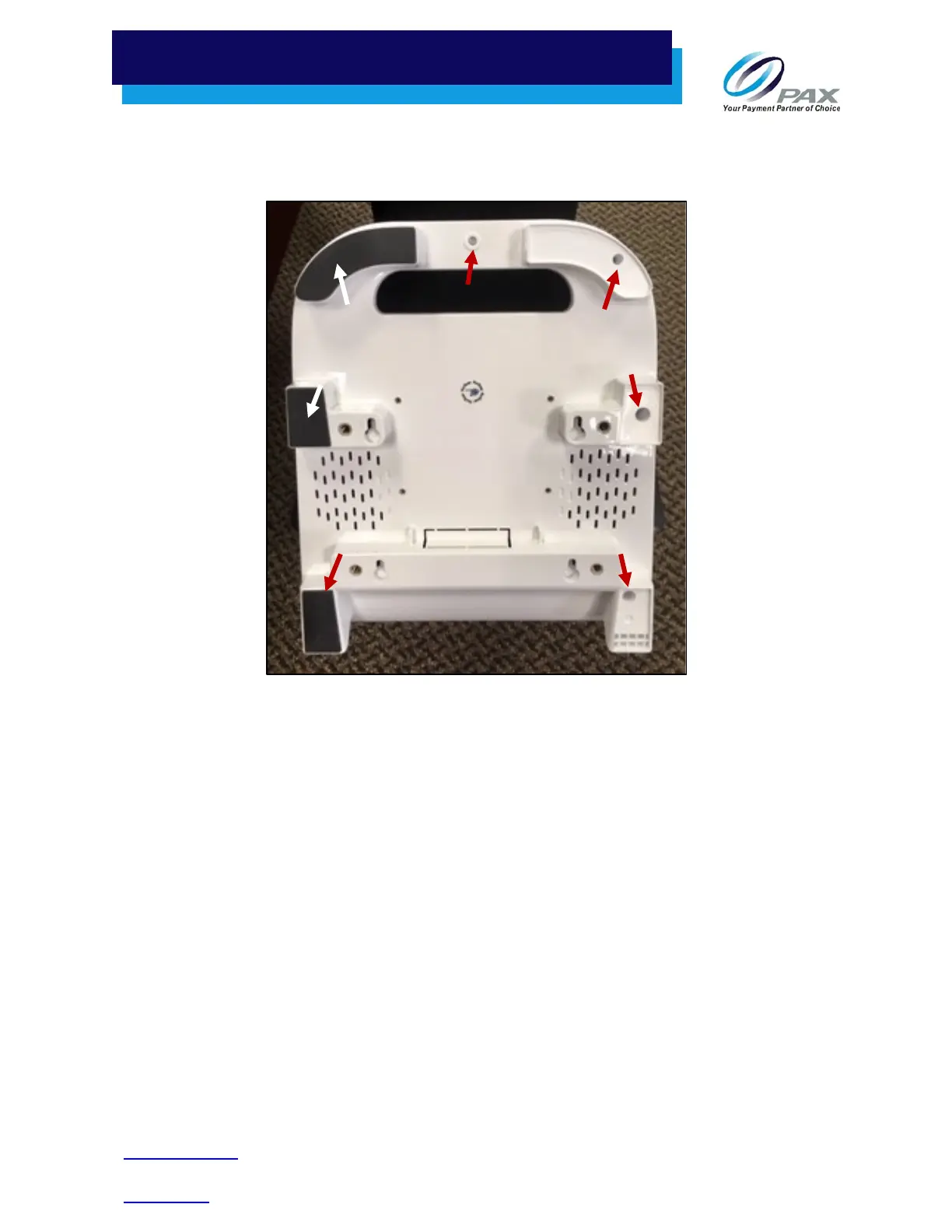
The location of the screws on the underside of the E800 are shown below:
Screw Locations on Underside
Six of the seven screws on the underside of the E800 are covered by rubber feet. To access these screws,
pull back a corner of each rubber foot and remove the foot to expose the screws. Save the rubber feet
you removed so you can reinstall them later.
Screw
Screw
Screw
Screw
Screw
Screw



 To Next Page