34
support@pax.us
(877) 859-0099
www.pax.us
18.1 Wi-Fi Configuration
The E800 supports Wi-Fi for network and internet access. Available access types of Wi-Fi on the E800 are
DHCP, Static IP, Manual Static IP, and Manual Proxy. The following sections include step-by-step
procedures for setting up each of these communication types.
DHCP
The E800 supports DHCP setup for network and internet access. DHCP stands for Dynamic Host
Configuration Protocol. DHCP is a network management protocol used in IP networks. The DHCP server
dynamically assigns an IP address and other network configuration parameters to each device on the
network.
To set up DHCP:
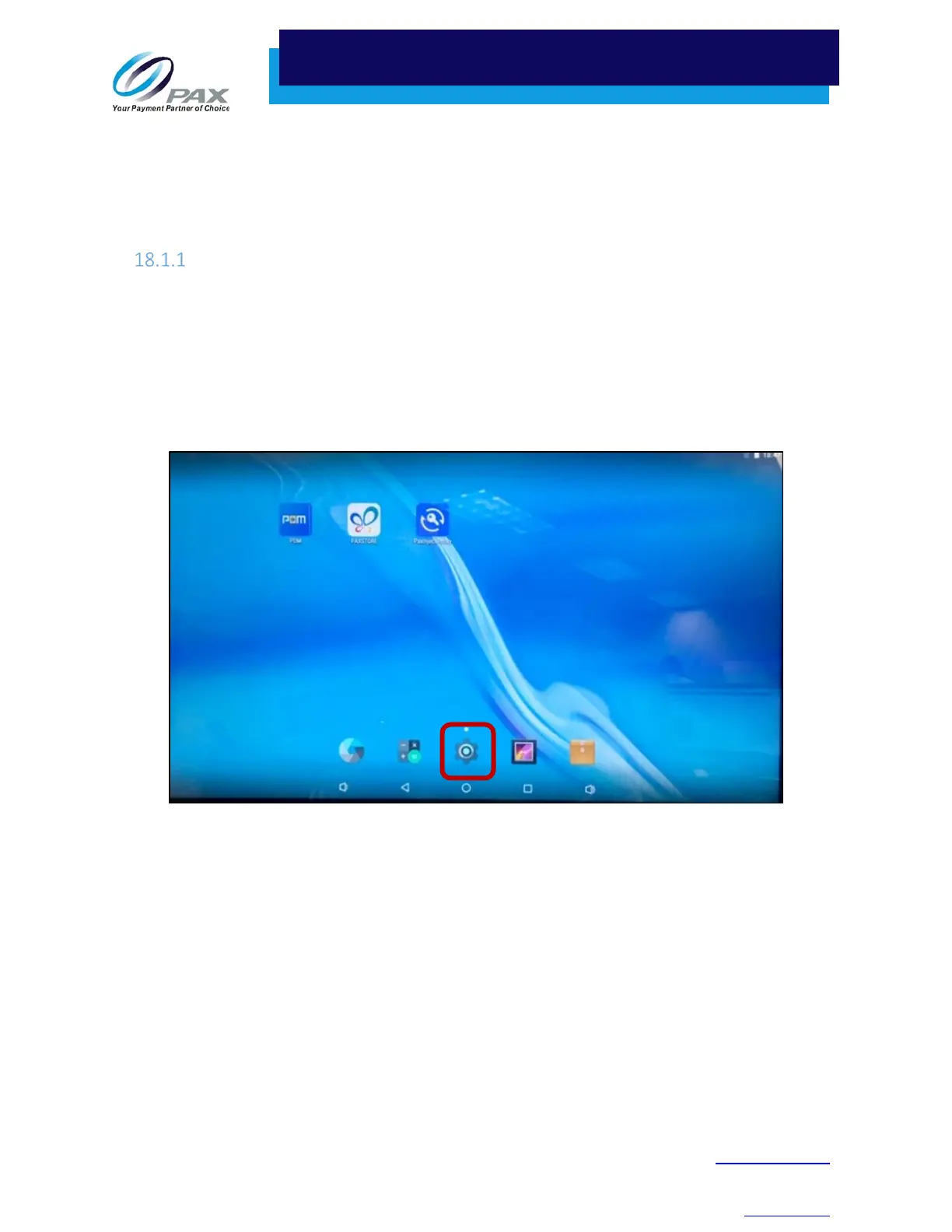
1. From the Main Menu, select Settings.
Settings on Main Menu
2. If a password is required, enter the password, press the green check mark () button, and press
OK.



 To Next Page