30
support@pax.us
(877) 859-0099
www.pax.us
16 Basic Operation Instructions
16.1 Power ON
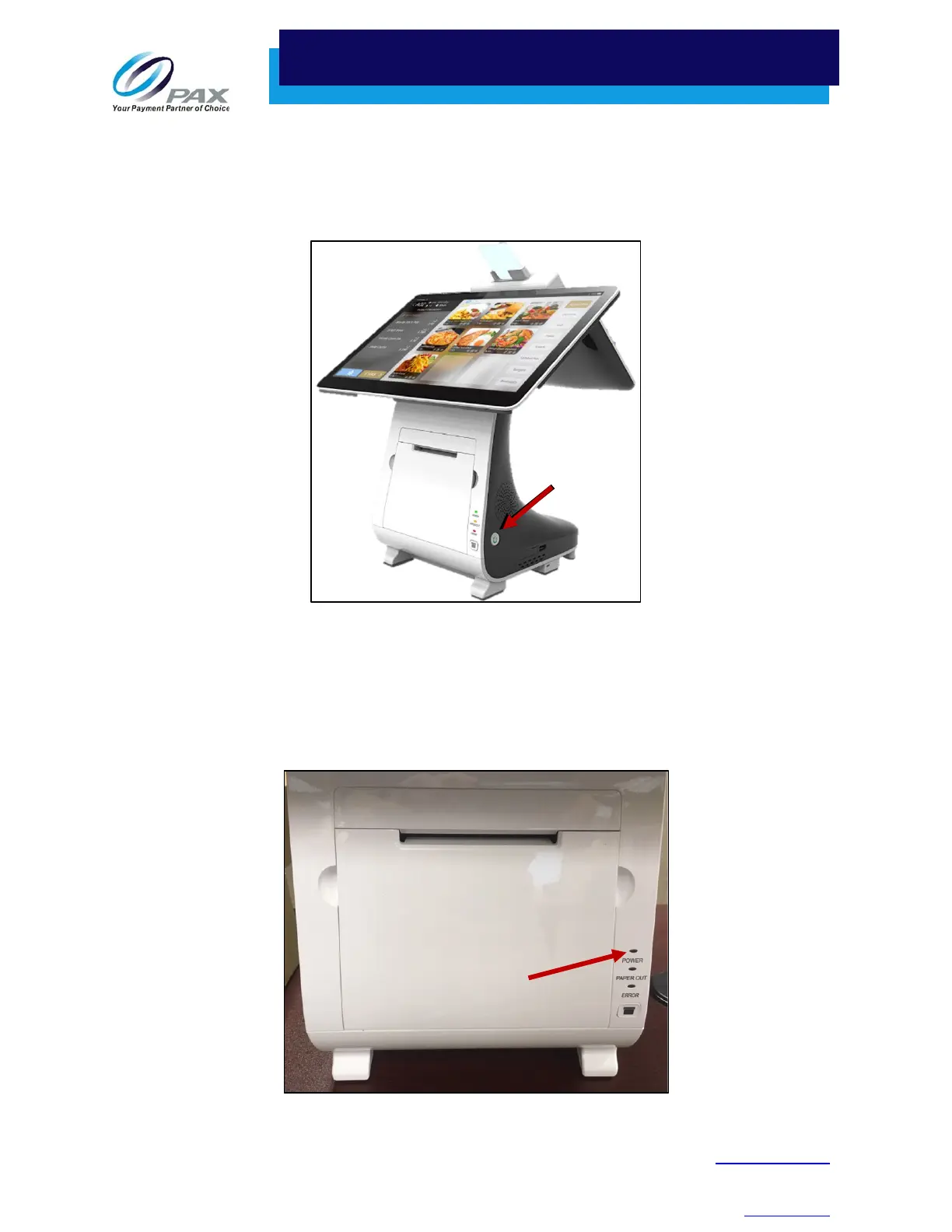
Press and hold the power button for three seconds until the screen display lights up and the terminal
successfully turns on.
Note: If the power supply is not connected when the E800 is powered up, a message displays stating
that you need to connect the power supply for the printer and printer-related ports to work
properly.
16.2 Power Indicator
The E800 power indicator is in the upper right corner of the large screen to the left of the light sensor.
Power Button
Power Indicator



 To Next Page