31
support@pax.us
(877) 859-0099
www.pax.us
• Red light – Device is charging.
• Green light – Charging is complete.
• Red and green light flashing alternately – Charging problem.
16.3 Power OFF
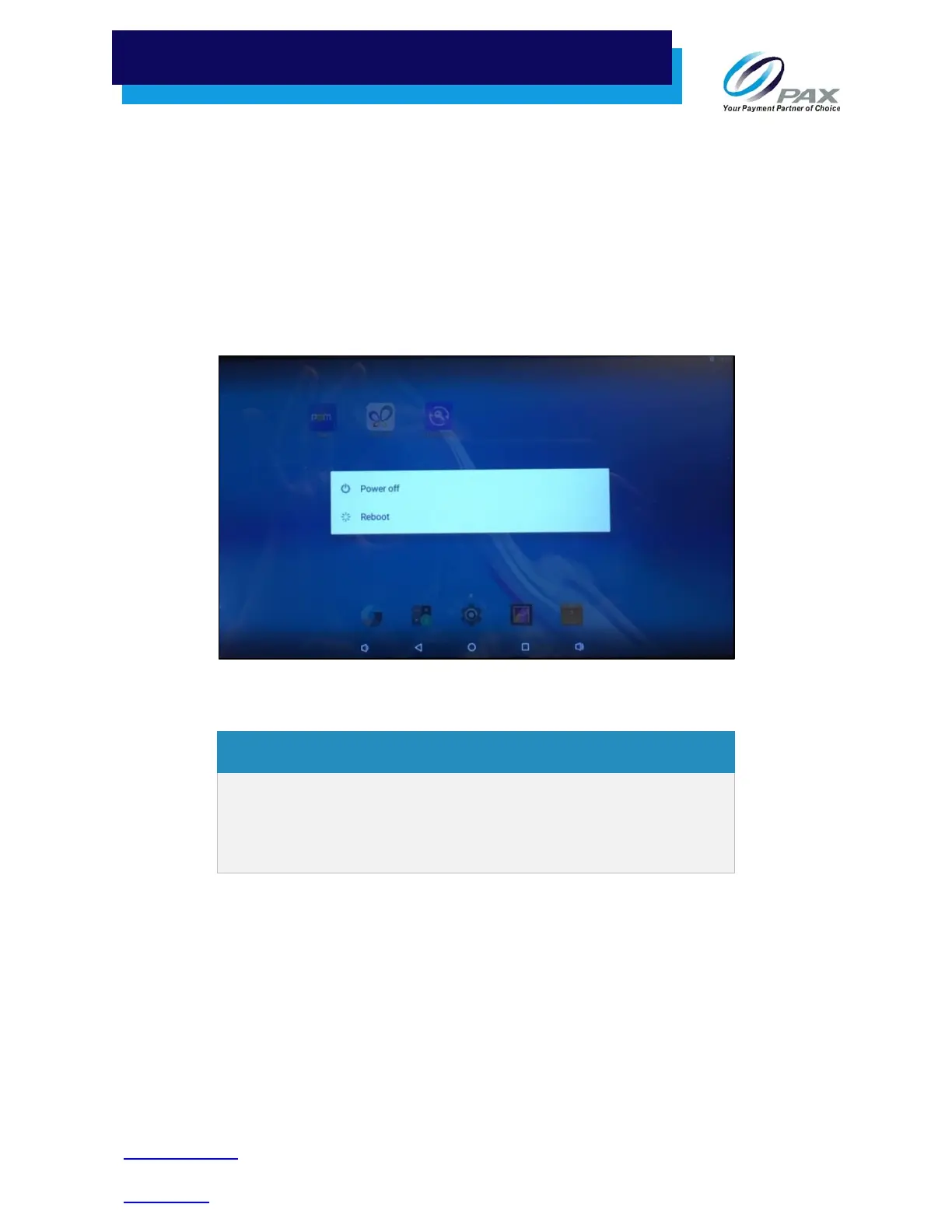
Press and hold the power button for three seconds until the shutdown menu displays:
Select Power off. The screen display goes dark and the terminal turns off after a few seconds.
The power indicator light on the E800 remains on if the
unit is resting in the powered Charging Base or if the
E800 is connected to power via the power supply and
power cord.
Congratulations. You are now ready to use your terminal.



 To Next Page