25
support@pax.us
(877) 859-0099
www.pax.us
4. Select Settings > Device > RouterSettings. The PAX disclaimer displays:
Router Disclaimer
The disclaimer states that the router is to be used only with PAX products and that PAX is not
responsible for external network attacks on the cash register or when the cash register is
attacked by the guest via the router’s Wi-Fi.
5. If you agree with the disclaimer, click Consent and use.
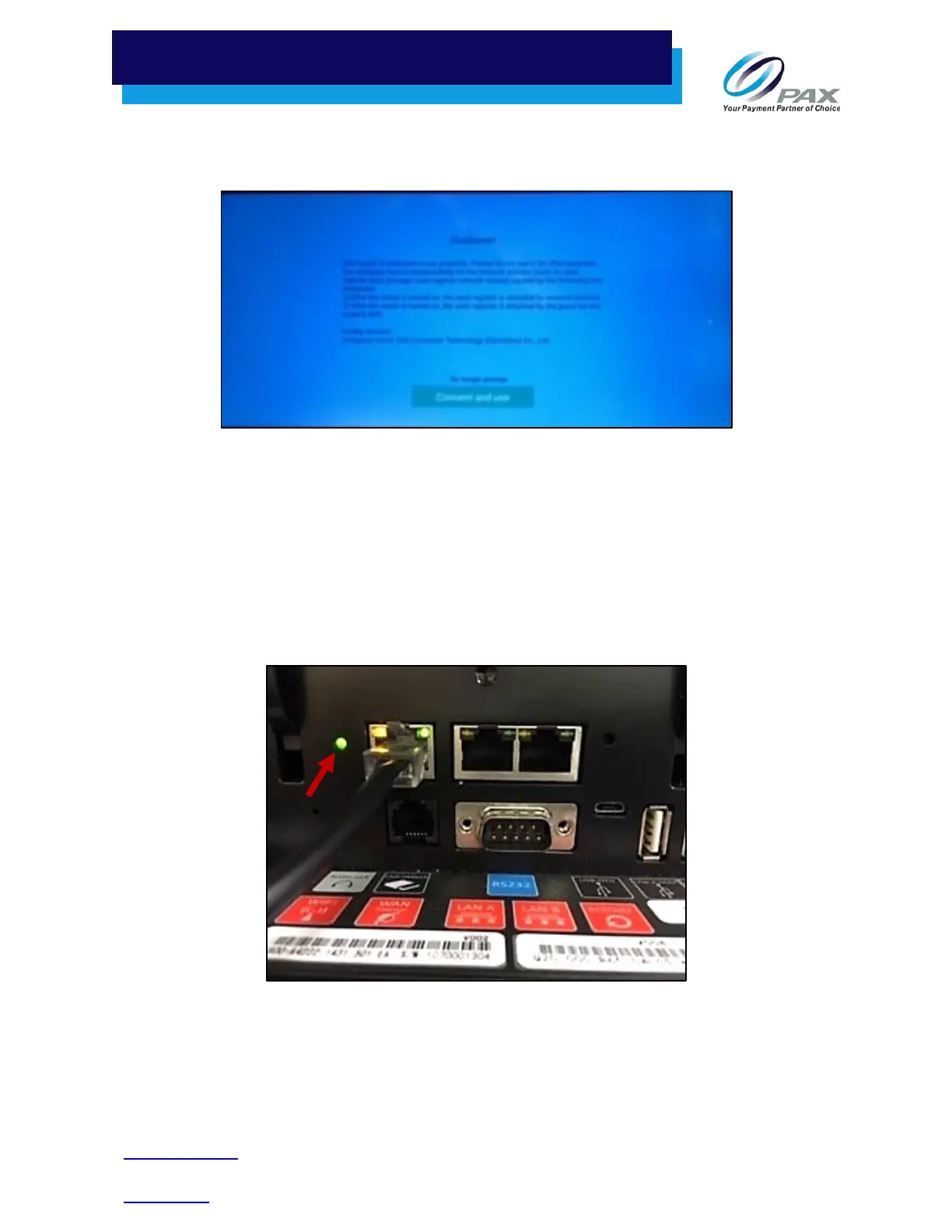
6. When the router is activated, the router indicator lights green. If the router indicator light is not
lit, see the Restarting the Router section, below.
Router Indicator Light
Router
Indicator



 To Next Page