76
PAXSTORE Customer Support
PAXSTORE-support@pax.us
(877) 859-0099
www.pax.us
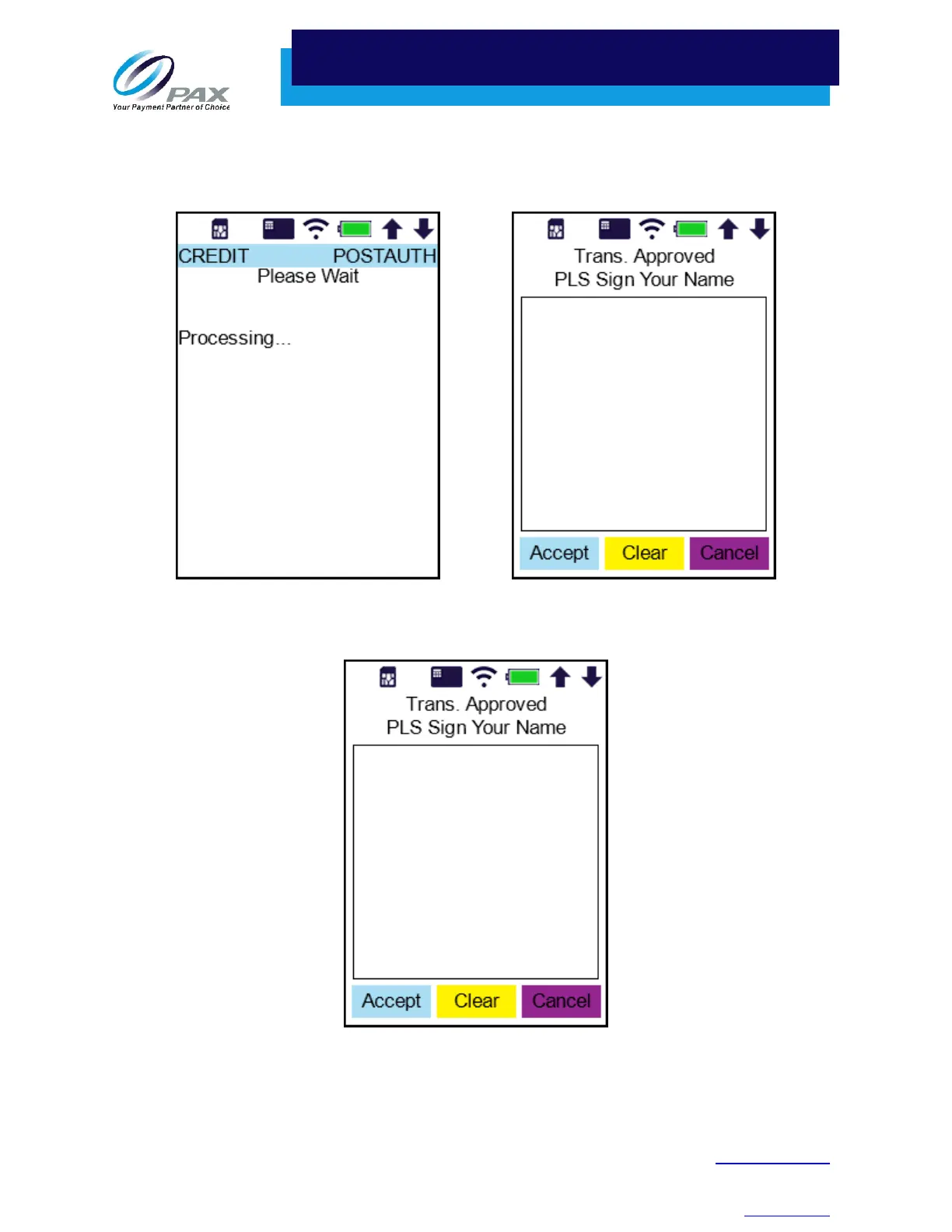
a. Tapping the card processes the transaction and requests the cardholder to provide a
signature before printing the receipt. The merchant may press the Cancel button to require
a physical signature on the receipt instead.
b. Swiping the card prompts the cardholder to provide a signature before printing the receipt.
The merchant may press the Cancel button to require a physical signature on the receipt
instead.
c. See Manually Inputting Card Number on page 53 for the manual entry prompts.



 To Next Page