P550c Operation Manual
5 System setup
www.pearpoint.com | 118
Scan: The controller automatically scans for available networks each time you enable WiFi. But you can
press the Scan button to manually refresh the network list.
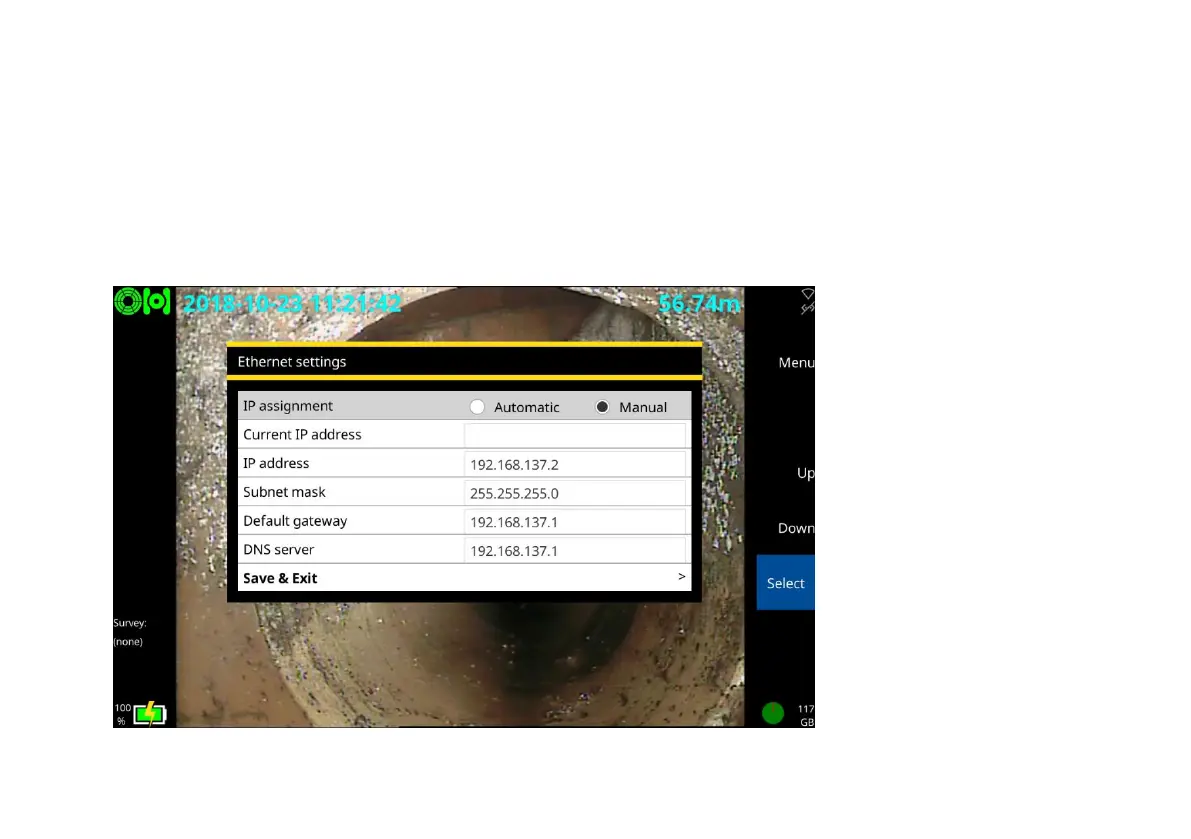
Ethernet settings: Use this screen to set whether the controller’s IP assignment is automatic or set
manually, and what the IP address, Subnet mask, Default gateway and DNS server addresses are.



 To Next Page