P550c Operation Manual
5 System setup
www.pearpoint.com | 117
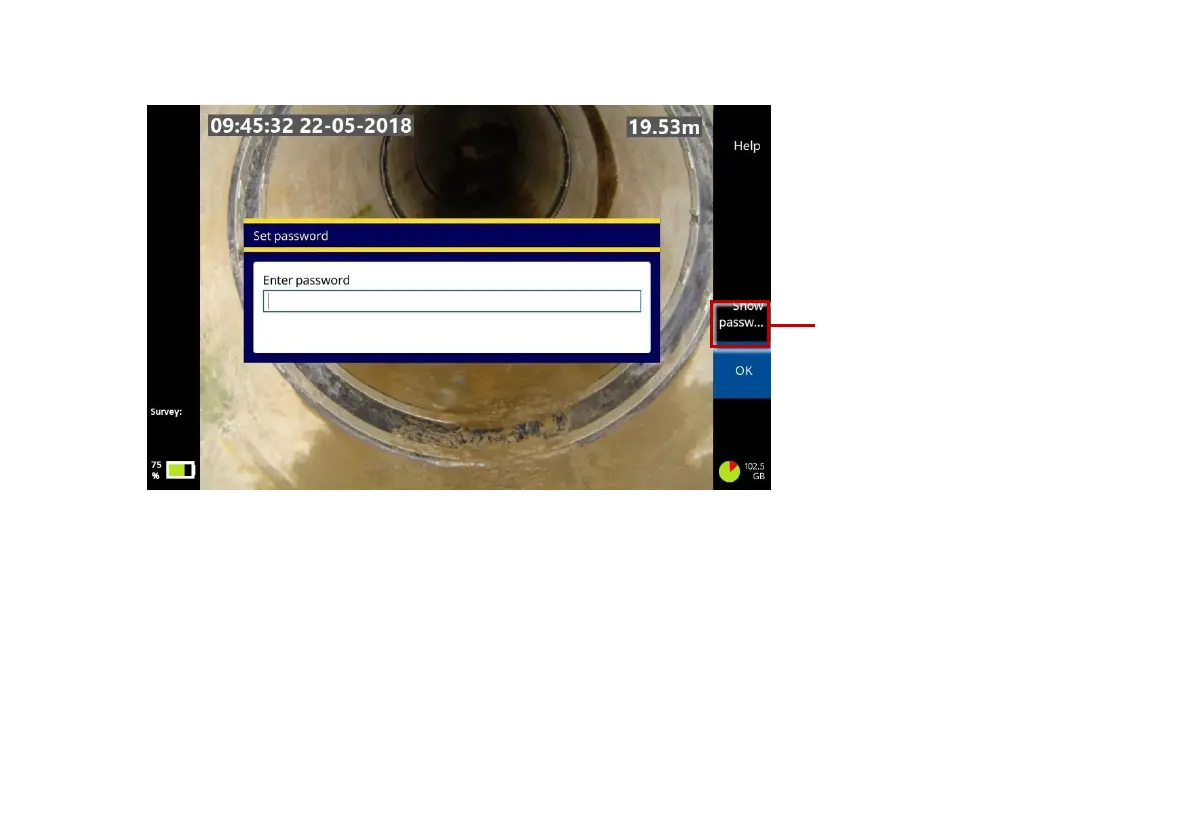
Fig. 5.9: Set password dialog. This dialog displays when you connect to a
secure WiFi network for the first time. 1 Show Password button.
Auto-connect: Use the arrow keys to select a network. Then press the Auto-connect button to
select the network’s check box. In future sessions, the controller will automatically re-connect to this
network whenever WiFi is enabled.
To disable auto-connecting, press the Auto-connect button again to clear the network’s check box.



 To Next Page