P550c Operation Manual
6 Operating the system
www.pearpoint.com | 191
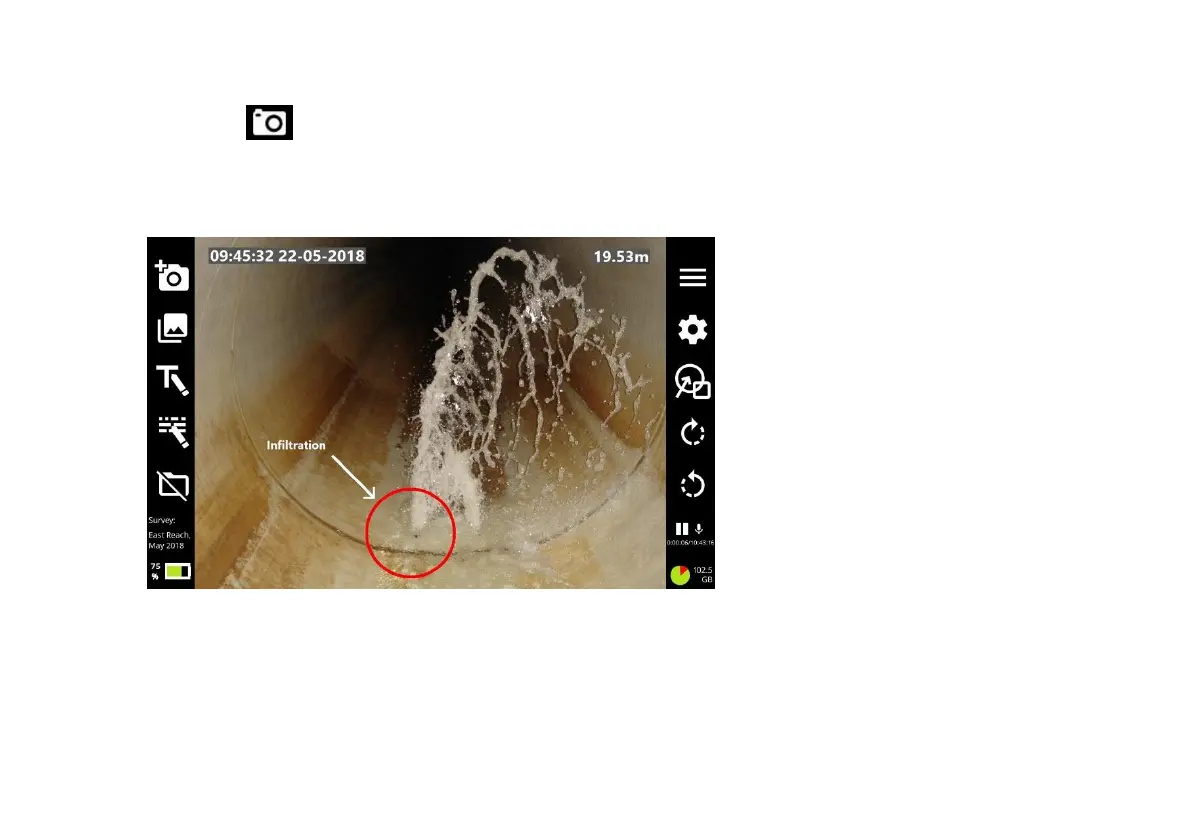
4 Press the panel button (page 32), or the New observation button to take the photo.
The photo shows exactly what is on the screen at the time, including any overlay text or shapes,
camera rotation, date & time and camera distance.
Fig. 6.26: Example screen display before the photo is taken.



 To Next Page