P550c Operation Manual
7 Surveys
www.pearpoint.com | 219
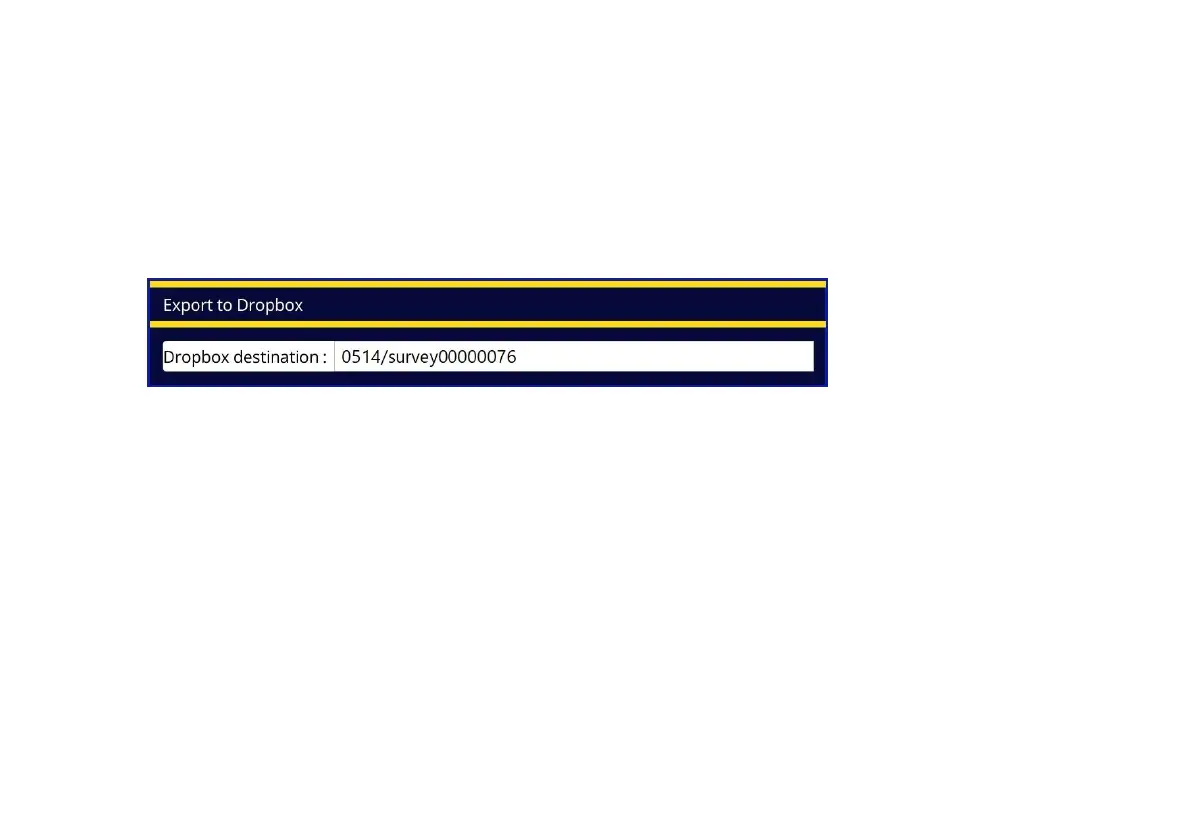
4 In the Export to Dropbox dialog, specify the Dropbox destination. This is the target subfolder that
will contain your uploaded survey.
Surveys are always uploaded to a subfolder below the \Pearpoint Cloud folder. By default, this
subfolder is based on the controller ID and survey ID but you can specify a custom subfolder.
See page 220 for a full description of the default Dropbox destination.
Fig. 7.11: Export to Dropbox dialog
5 Press the Export button to start the export.
See the next section for details about where to find your survey files in Dropbox.



 To Next Page