P550c Operation Manual
7 Surveys
www.pearpoint.com | 220
Where is my survey in Dropbox?
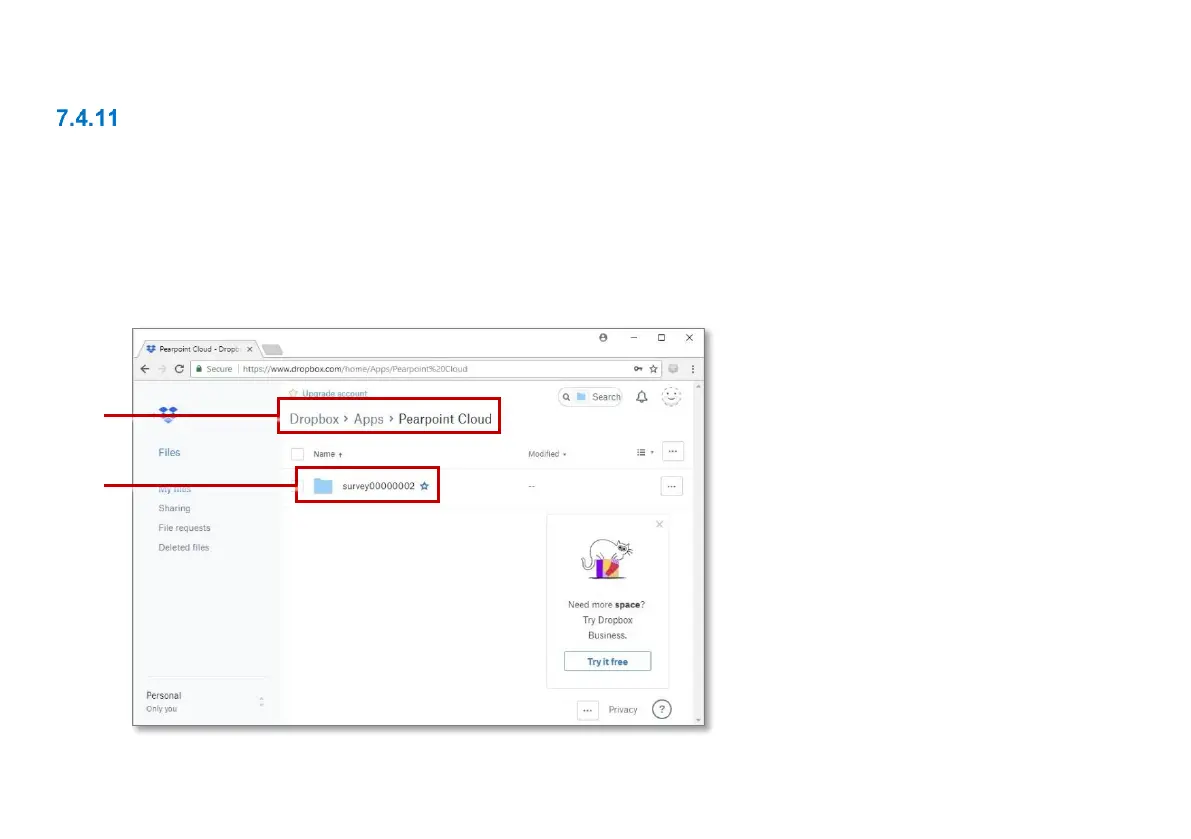
When you log in to Dropbox, you can find your uploaded survey files in this subfolder:
Files > Apps > Pearpoint Cloud > [Controller ID] > [Survey ID]
Where [Controller ID] is the serial number that uniquely identifies the controller unit used for the survey
and [survey ID] is the sequential ID number assigned to your survey by the controller. In the example
below, the survey is uploaded to the \survey0000002 folder.
Fig. 7.12: Dropbox files screen.
1 Path to ‘Pearpoint Cloud’ folder.
2 Folder containing exported survey.



 To Next Page