inbound rule is set as Deny, a corresponding Allow firewall rule will be required.
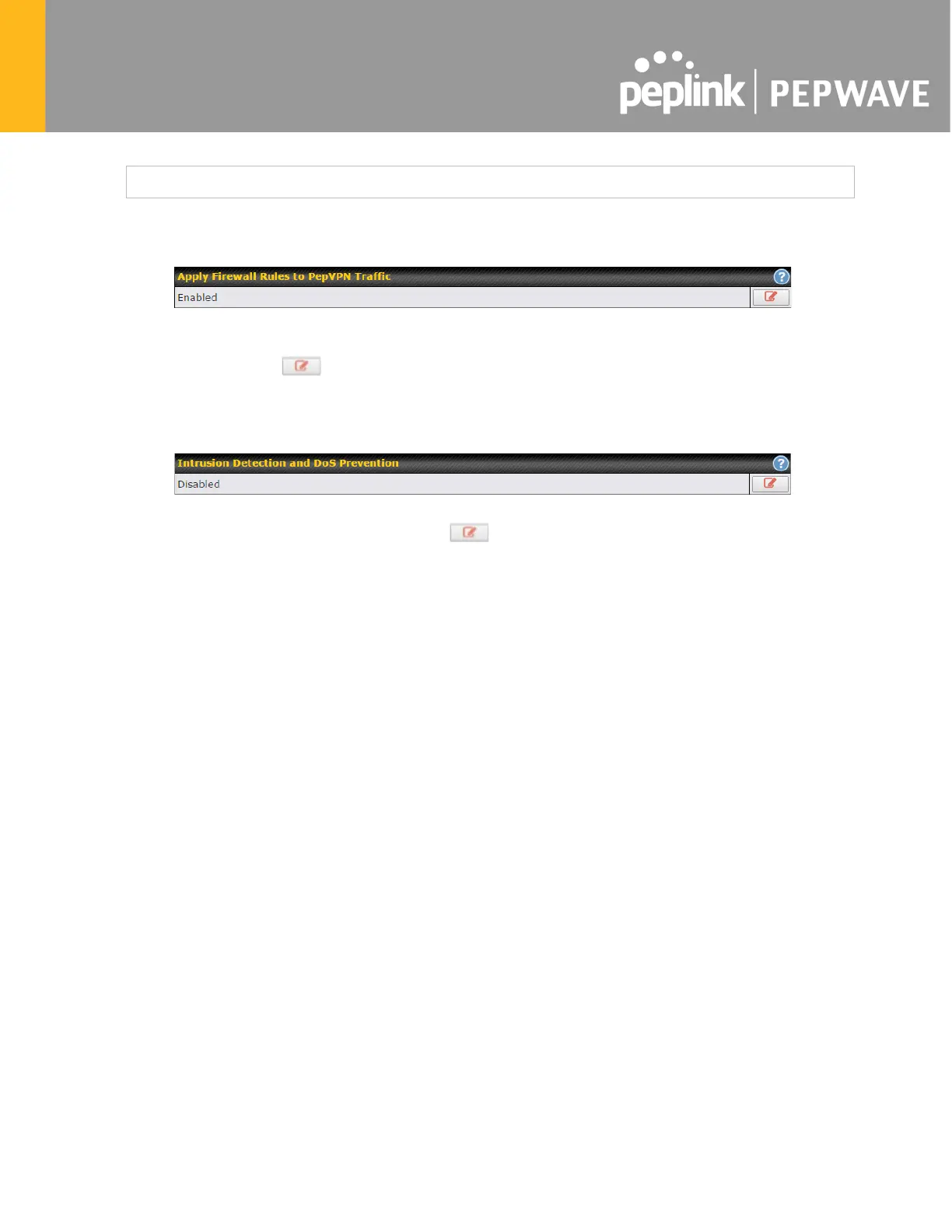
19.1.2 Apply Firewall Rules to PepVpn Traffic
When this option is enabled, Outbound Firewall Rules will be applied to PepVPN traffic. To turn
on this feature, click , check the Enable check box, and press the Save button.
19.1.3 Intrusion Detection and DoS Prevention
Pepwave routers can detect and prevent intrusions and denial-of-service (DoS) attacks from
the Internet. To turn on this feature, click , check the Enable check box, and press the
Save button.
When this feature is enabled, the Pepwave router will detect and prevent the following kinds of
intrusions and denial-of-service attacks.
● Port scan
o NMAP FIN/URG/PSH
o Xmas tree
o Another Xmas tree
o Null scan
o SYN/RST
o SYN/FIN
● SYN flood prevention
● Ping flood attack prevention








 To Next Page