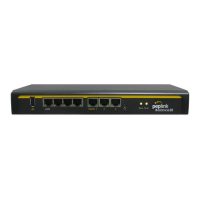
2.24.2 LED Indicators
The statuses indicated by the front panel LEDs are as follows:
Status Indicators
Status
OFF System initializing
Red Booting up or busy
Blinking red Boot up error
Green Ready
LAN and Ethernet WAN Ports
Green LED
ON
OFF 10 Mbps / 100 Mbps or port is not connected
Orange LED
ON Port is connected without traffic
Blinking Data is transferring
OFF Port is not connected
Port Type Auto MDI/MDI-X ports
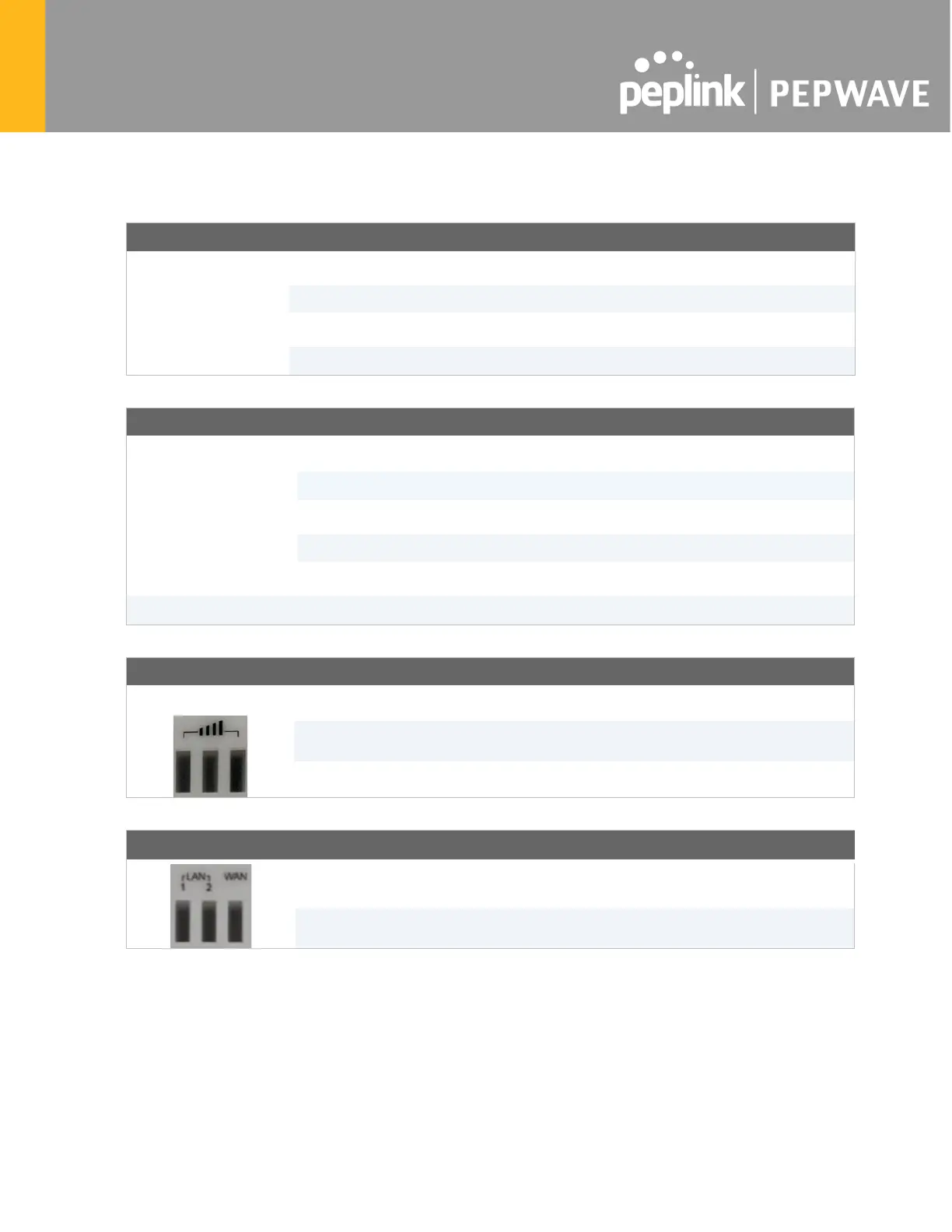
Cellular Indicators
Cellular
OFF Disabled or no SIM card inserted
Blinking Connecting to network(s) in Standby Mode
Green Connected to network(s) in Priority 1 (Active)
LAN and WAN Indicators
Green
Powered-on device connected to Ethernet port
OFF
No device connected to Ethernet port








 To Next Page