perma PRO -18-
7. Replacement of the PRO LC unit
The Following Must Always Be Taken into Account
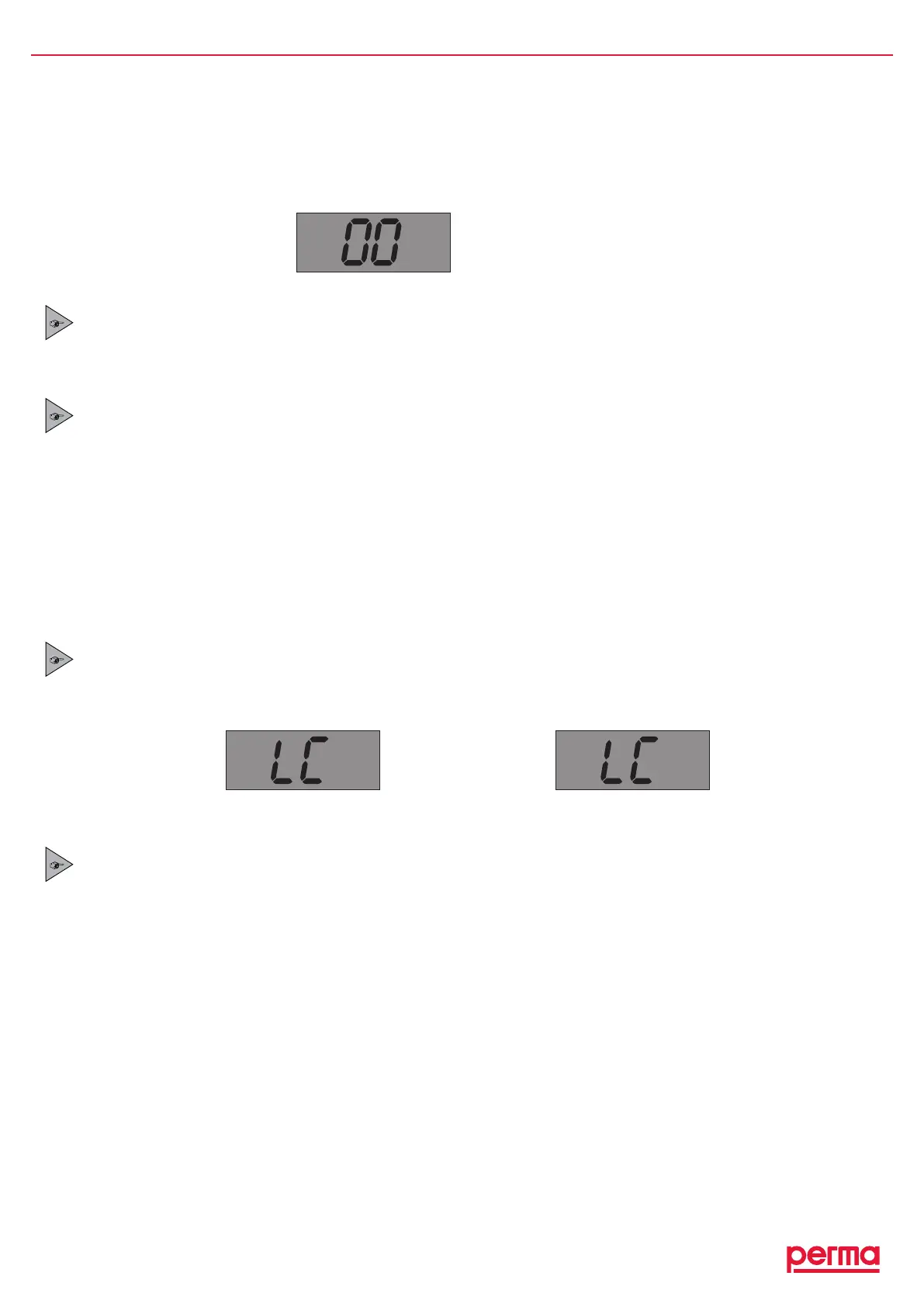
IfthereplacementofanemptyPROLCunitbecomesnecessary,itwillbeindicatedbyasimultaneousblinkingof
theredandthegreenLED.Additionally,thedisplayindicatesthatthePROLCunitisempty(refertogure17).
gure17
If you replace the PRO LC unit, you also have to change the battery set. Otherwise, the correct operation
of the lubricator cannot be guaranteed!
If you replace the PRO LC unit by a PRO LC unit of a different size, a corresponding protection cover
(refer to ”Accessories and Spare Parts”) must be used.
Since the drive unit and the control board must be protected against moisture, an exchange may only be
carried out in dry conditions!
AftertheinstallationofthenewPROLCunit,thecontrolsystemcontinuestooperateusingthepreviouslyvalid
settingofthedischargeperiod.
7.1 Setting the Volume of the PRO LC unit
ThesizeofthePROLCunitmustbesetinthecongurationmenuwiththetwobuttonsonthedriveunit(see
gure18).Pleasealsorefertotheoperatingchart(chart5,chapter6.8).
ATTENTION!
If the displayed setting does not correspond with the attached PRO LC unit size it will result in incorrect
discharge amounts and wrong signals in the display (Display, LEDs).
or
gure18
ATTENTION!
WheneveraPROLCunitisremovedfromthelubricatorandisreplacedbyanotherLCunit,thecontrolsystem
assumesthatanew,completelylledPROLCunitwasattached.
Therefore NEVER attach a PRO LC unit that is not completely full!
%Vol.
LC 500
Config.
LC250
Config.
LC 500


 To Next Page