NOTE
If the vehicle turn signals and turn sig-
nal indicators in the dash gauge clus-
ter ever begin flashing at an accelerat-
ed rate (115 cycles per minute) when
the turn signal lever is in the OFF
(center) position, or when a Right/Left
turn has been selected, the problem
may be related to a failed turn signal
switch or turn signal module. In either
case, the problem is not a failed bulb.
Contact your nearest authorized deal-
er to have the problem corrected as
soon as possible.
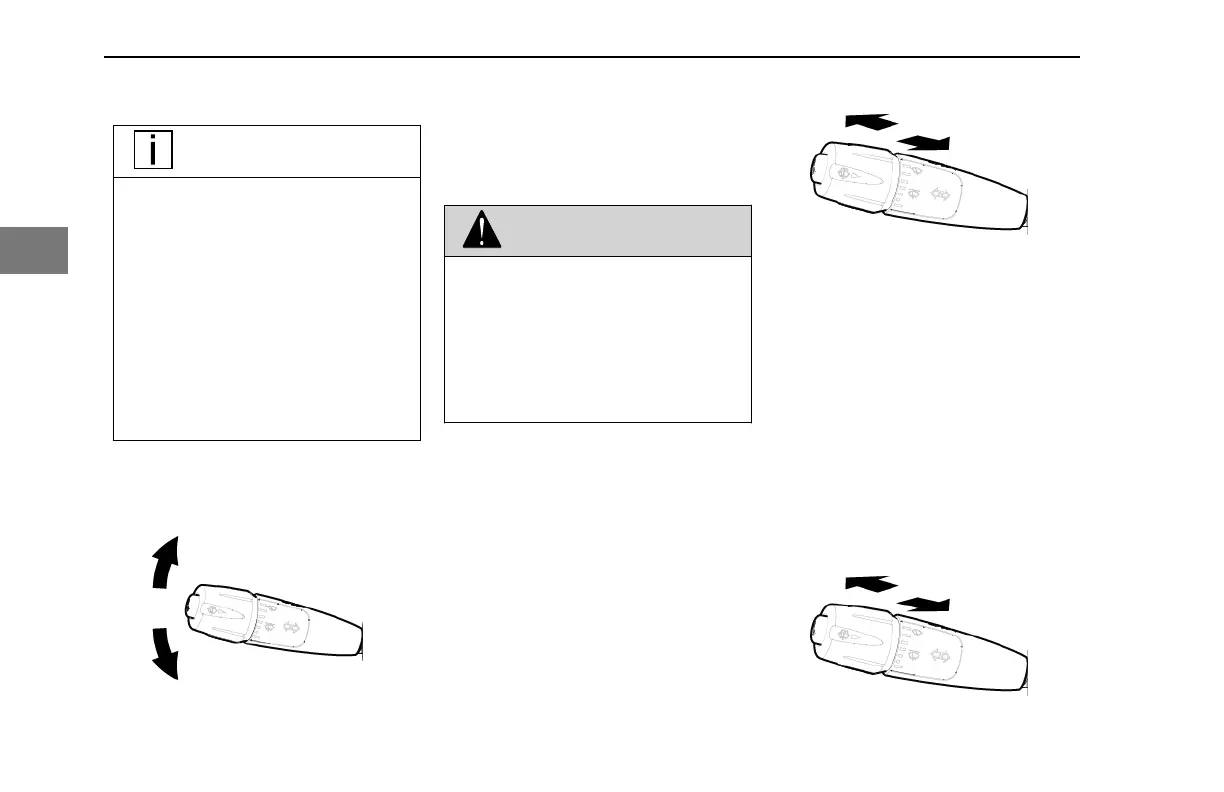
1. Push the Signal stalk lever up to
engage the RIGHT turn signal and
down to engage the LEFT turn
signal.
2. Release the signal stalk.
3. The turn signal will cancel when
the turn is complete.
An audible beep is associated with each
time a turn indicator is activated.
WARNING
After you complete a turn, shut the
system off by returning the lever to the
"OFF" (center) position. Failure to shut
off a turn signal could confuse other
drivers and result in an accident. An
indicator lamp in the instrument panel
will flash until the turn signal is turned
off.
How to Turn on High Beams
The high beam function is operated by the
same steering column lever for the turn
signals. High beams will not turn on if the
headlights are turned off.
1. Gently pull the Turn Signal lever
toward the steering wheel until you
hear the switch click and the beam
changes.
2. To return to previous beam, pull the
Turn Signal lever towards the
steering wheel again.
The blue indicator light in the instrument
panel will turn ON when the high beams
turn on.
How to Momentarily Flash High
Beams
The "flash to pass" high beam function is
operated by the same steering column
lever for the turn signals. The high beam
flash to pass will work if the headlights are
not on.
1. Gently push the turn signal lever,
away from the steering wheel.
CONTROLS - Steering Column Controls
100 Y53-6076-1D1 (09/20)
3



 To Next Page