• Steering components - check
pitman arm, drag link, intermediate
shaft U-joint pinch bolt, tie rod,
steering shaft and power steering
hoses, etc., for loose, broken, or
missing parts.
• Cab air conditioner fresh air filter -
check for condition and
cleanliness.
•
PACCAR 20k Front Axle Kingpin
Joint Grease/Tie Rod Ends (option)
(VOCATIONAL USE) - For
vocational vehicles with this axle,
grease with Heavy-Duty
Multipurpose Lithium Based: #1 or
#2 grade, every 50 hours. (Refer to
Front Axle and Suspension on
page 252 for maintenance
instructions.)
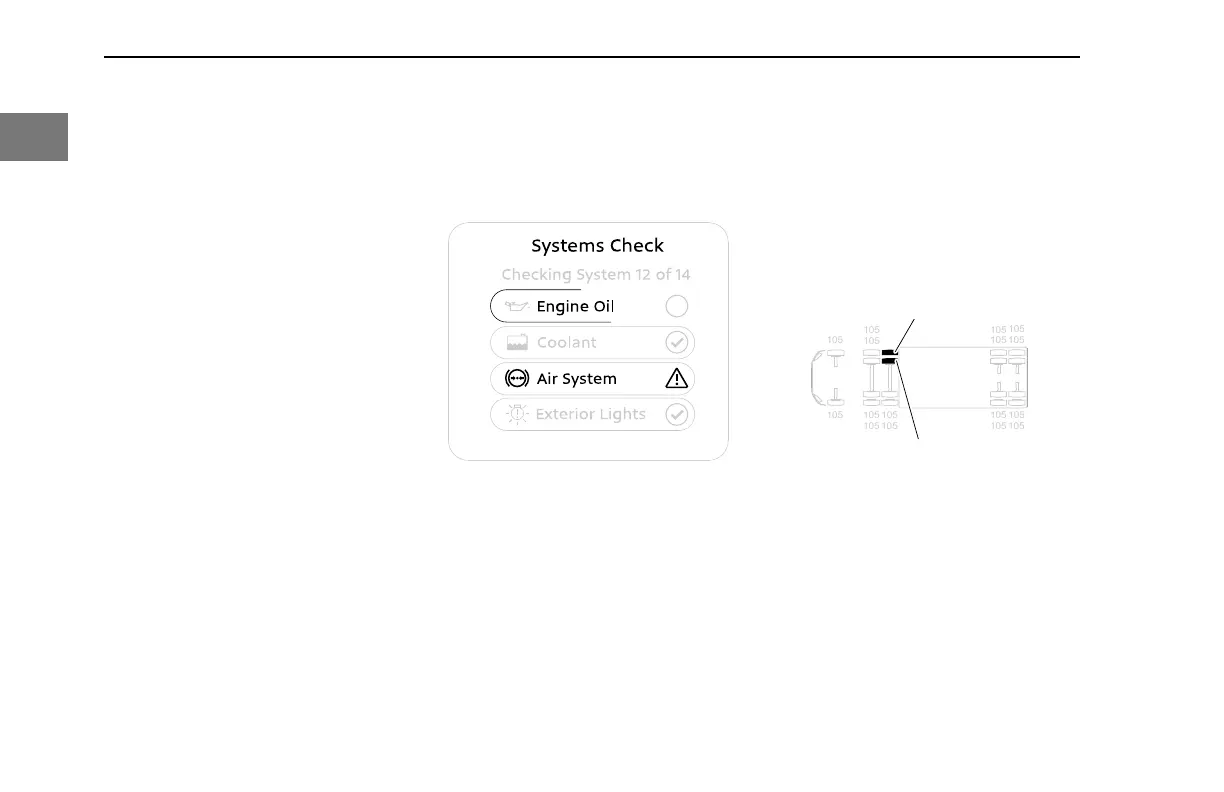
Systems Check
System Check Display
Systems Check evaluates each monitored
system and displays its progress for the
operator. The Systems Check will appear
when the Exterior Lighting Self-T
est (ELST)
is activated, or when viewing the
Notifications sub-menu.
Systems Check can be interrupted at any
time by
• Pressing Select
• Switching the ELST switch to OFF
• Turning the ignition key to OFF or
ACC
• Releasing the Parking Brake.
The Systems Check can also present the
following optional features.
Tire Pressure Monitoring System
(TPMS) (option)
One of the systems the vehicle monitors is
the T
ire Pressure Monitoring System
(TPMS).
105
105
105 105
105
105
105 105
105105
105 105
105
105
105
105
84
114
1
2
TPMS shows individual tire pressures for
each location and will change the color of
the tire:
• Outlined – Tire pressure not
available
• Gray – Nominal
• Amber – High or low pressure
• Red – Very low or high pressure, or
high temperature
SAFETY - Systems Check
30 Y53-6076-1D1 (09/20)
1



 To Next Page