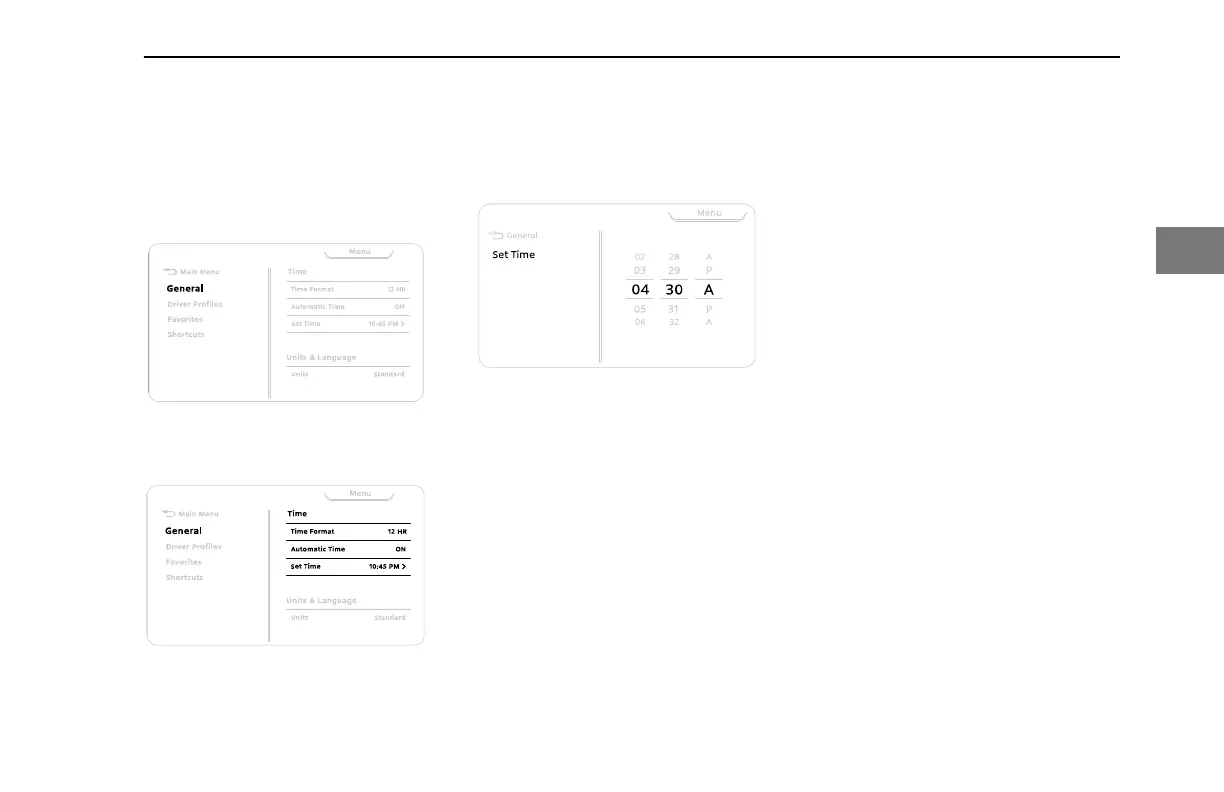
For example, press down and then scroll to
access the clock menu. Then press down
and scroll again to adjust the clock values.
Press down to select the menu:
Menu Example: main Menu
Press again to select the sub-menu:
Menu Example: Settings
Use the Scroll Wheel to scroll through the
values then press down to select.
Menu Example Set Function
Back
Use the Back button to return to the
previous menu, suppress a popup , or
cancel a selection. Popups on page 73.
Peterbilt Digital Display
The digital display will stay visible during all
driving situations and in some parked
situations. When the parking brake is set
the following actions will wake the display,
making it visible:
• Opening (or keeping open) the cab
doors
• Using steering wheel switches
• Tapping the brake
• Turning the ignition switch to ON,
ACC, or START
• Starting the engine.
If after 20 seconds none of these actions
are taken, the display will darken to
conserve power, but will awaken if any
wake action is performed. If the Anti-Theft
option is active and you attempt to start the
engine, a passcode prompt will appear; the
engine cannot be started until the correct
passcode is entered (see Anti-Theft on
page 68).
CONTROLS - Peterbilt Digital Display
Y53-6076-1D1 (09/20) 55
3



 To Next Page