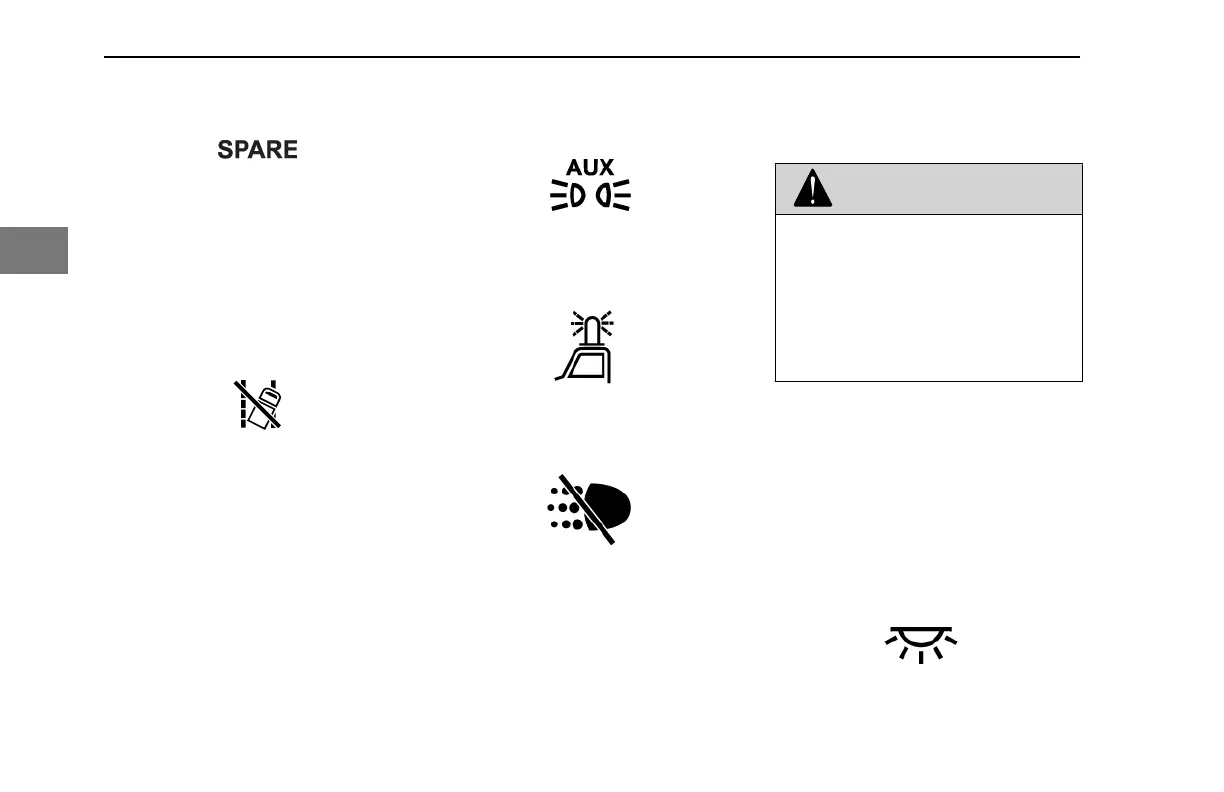
Generic, Spare SPARE
Turn switch on to power customer installed
accessory.
Ignition Key Switch
The ignition key switch located to the left of
the steering column has four positions:
ACC (Accessories), OFF, ON, and START.
See also Ignition Key Switch on page 103.
Lane Departure Warning Disable
Vehicles equipped with this optional switch
will disable the audible and visual Lane
Departure Warning for 15 minutes after
which time, or upon key cycle, the feature
will re-enable. The feature may also be re-
enabled by toggling the switch again while
disabled. The switch will not affect any of
the Adaptive Cruise Control warnings.
Lights, Auxiliary
Turn switch on for Auxiliary Lights.
Lights, Beacon
Turn switch on for Beacon Light(s).
Lights, Daytime Running (Override)
This switch overrides the normal operation
of the Day Time Running Light (DRL)
system. During normal operation, the DRL
will turn on lights when the headlights are
turned off, engine is on, and the park
brakes are disengaged. The override
switch will turn the DRL off in these
instances. The DRL is also turned off when
the headlights are turned ON.
WARNING
DO NOT use daytime running lights
(DRL) during periods of darkness or
reduced visibility. DO NOT use DRL as
a substitute for headlights or other
lights during operations that require
lighting of your vehicle. Failure to com-
ply may result in personal injury, prop-
erty damage or death.
If the headlight switch is turned OFF, the
DRL system engages automatically after
the engine starts and you release the
parking brake. If the headlight switch is
ON, the DRL system is overridden, and
headlights operate normally. Also, the DRL
is temporarily turned off during engine
cranking.
Lights, Dome
Turn switch on for Cab Dome Lights.
CONTROLS - Dash Switches
92 Y53-6076-1D1 (09/20)
3



 To Next Page