www.petsafe.net 17 16 www.petsafe.net
ENES FRIT NLDE
.
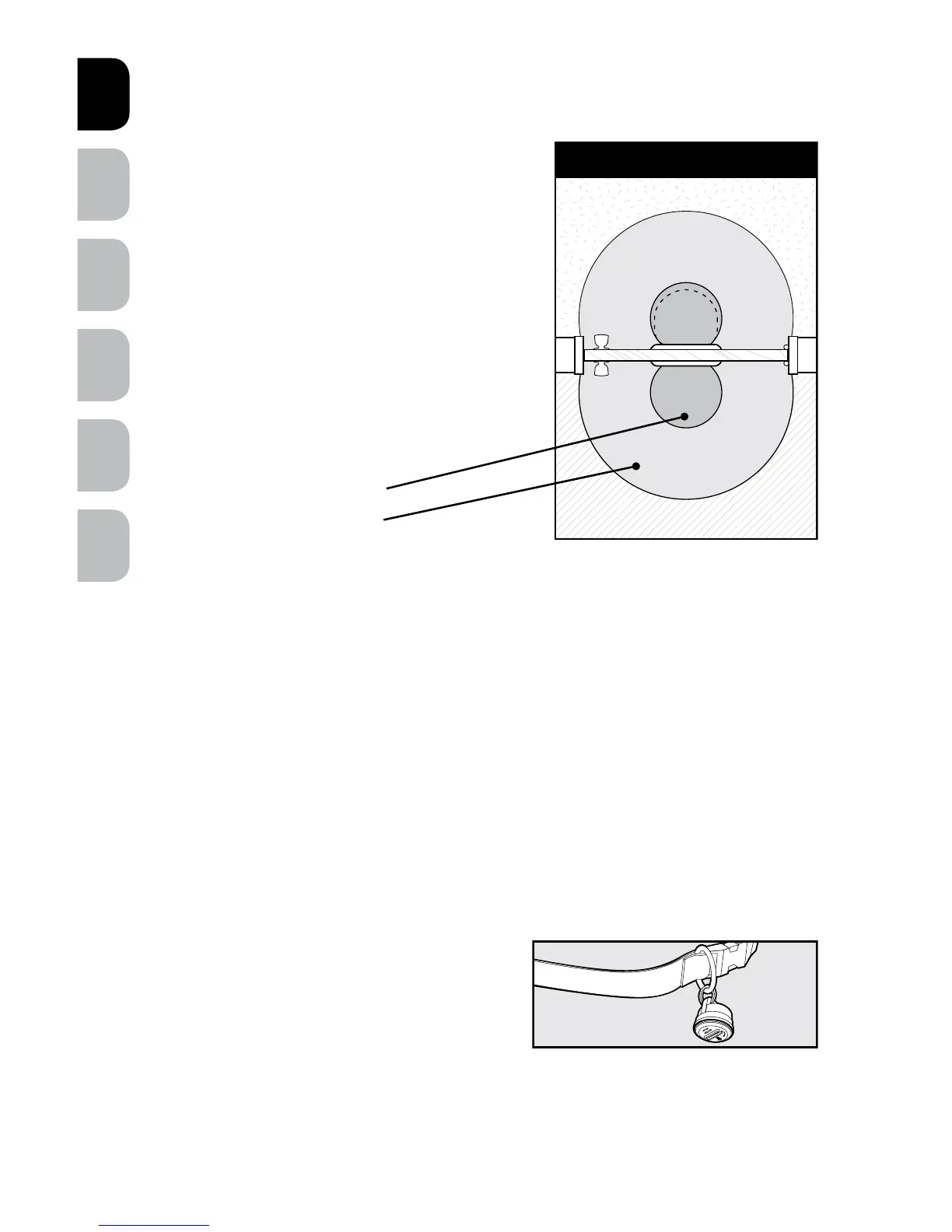
Understanding Sensitivity and the
Active Area
The Active Area is the area where the Pet Door
will consistently open based on your adjustment
of the sensitivity level. In the Fringe Area the Pet
Door may open inconsistently due to variables of
radio-frequency interferences or reflections. In the
Inactive Area the door will generally not unlock
automatically (B).
You may see slight differences between
Outside and Inside Active Areas due to
radio-frequency interferences.
Programming a New SmartKey
™
Electronic Key
To reduce error while programming, remove the RFA-67 battery from all programmed
SmartKey
™
Electronic Keys except the one you are programming. Press and hold the
LEARN button until the green light illuminates and begins to flash, now release the
button. Bring the SmartKey
™
Electronic Key directly below the green light and the light
will stop flashing and illuminate for two seconds. Now your new SmartKey
™
Electronic
Key has been programmed and added to memory. Up to five different SmartKey
™
Electronic Keys can be added, one at a time.
Attach the SmartKey
™
Electronic
Key to the Pet’s Collar
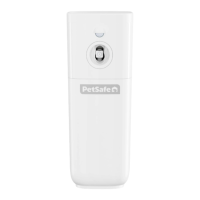
A split key ring has been provided to attach to
your pet’s collar and should hang under the
pet’s neck.
The Pet Door includes one SmartKey
™
Electronic
Key which comes pre-programmed and ready
to use.
Door - Top View
Fringe
Active
Active
Fringe
Inside
Outside
Inactive
Inactive
B
Depending on location
and application
~ 76 cm
~ 183 cm






 To Next Page