www.petsafe.net 19
FR ITNL DEEN ES
.
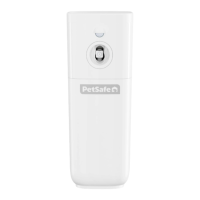
Revert SmartKey
™
Electronic Key to
Default Factory Setting
The Pet Door can be cleared of all additional programmed SmartKey
™
Electronic Keys
EXCEPT the one included from the factory. To do this, first take out batteries from battery
compartment. Then, as you place batteries back into the battery compartment, hold
down the LEARN button. When LEARN button is held and the last battery is in place,
the red and green lights will illuminate three times. Now, all SmartKey
™
Electronic Keys
programmed to the Pet Door have been cleared except the one SmartKey
™
Electronic
Key included with your Pet Door.
Clear SmartKey
™
Electronic Key
Memory
The Pet Door can be cleared of all programmed SmartKey
™
Electronic Keys, even
the one included from the factory. To do this, first remove batteries from battery
compartment. Then, as you place batteries back into the battery compartment, hold
down the MODE-RESET button. When MODE-RESET button is held and the last battery
is in place, the red and yellow lights will illuminate three times. Now all SmartKey
™
Electronic Keys have been cleared.
Replacement Parts and Accessories
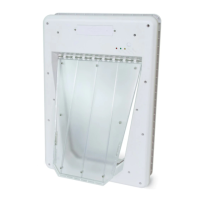
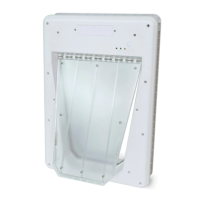
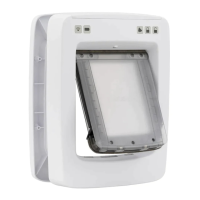
To purchase replacement parts for your PetSafe
®
SmartDoor
™
Electronic Pet Door,
contact the Customer Care Centre or visit our website at www.petsafe.net to locate a
retailer near you.






 To Next Page