8:14
Embroidery mode - edit
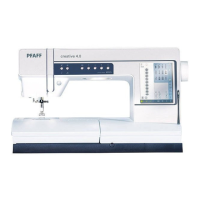
B
A
C
Basic Shape Creator™IHDWXUHH[DPSOHFUHDWH
DGHVLJQIURPEXLOWLQPLQLGHVLJQV
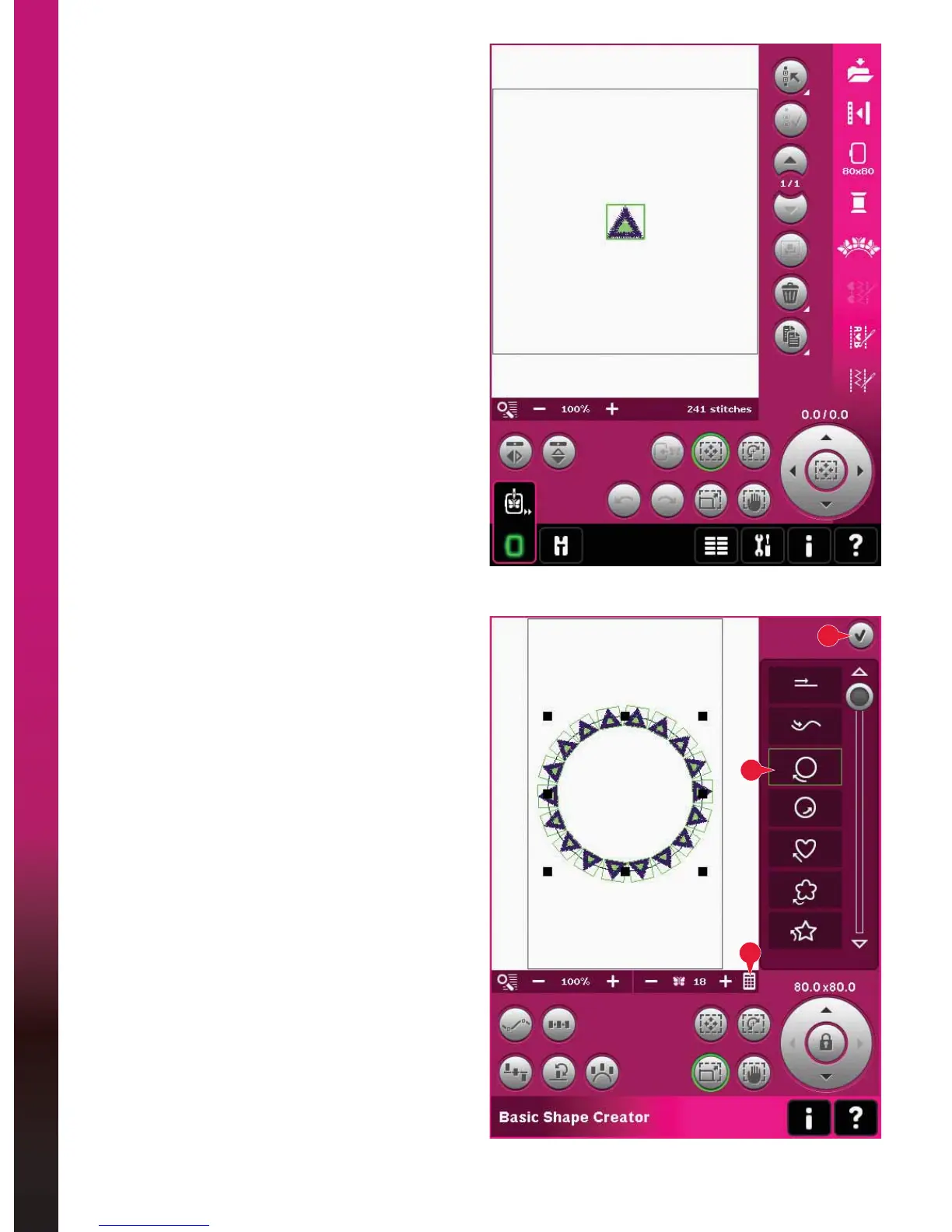
1. In embroidery mode, open the selection menu,
touch the tab for mini designs and select design
cm_52.vp3 to load to Embroidery edit.
2. Open Basic Shape Creator™ feature. Select
the clockwise circle in the list (A). Touch Enter
number of designs (B) to open the keypad, enter
18 and touch OK.
3. Close Shape Creator™ feature by touching OK
in the top right corner (C).









 To Next Page