8:16
Embroidery mode - edit
A
Basic Shape Creator™IHDWXUHH[DPSOHOLQH
VKDSLQJIRUSHUIHFWO\SODFHGEXWWRQKROHV
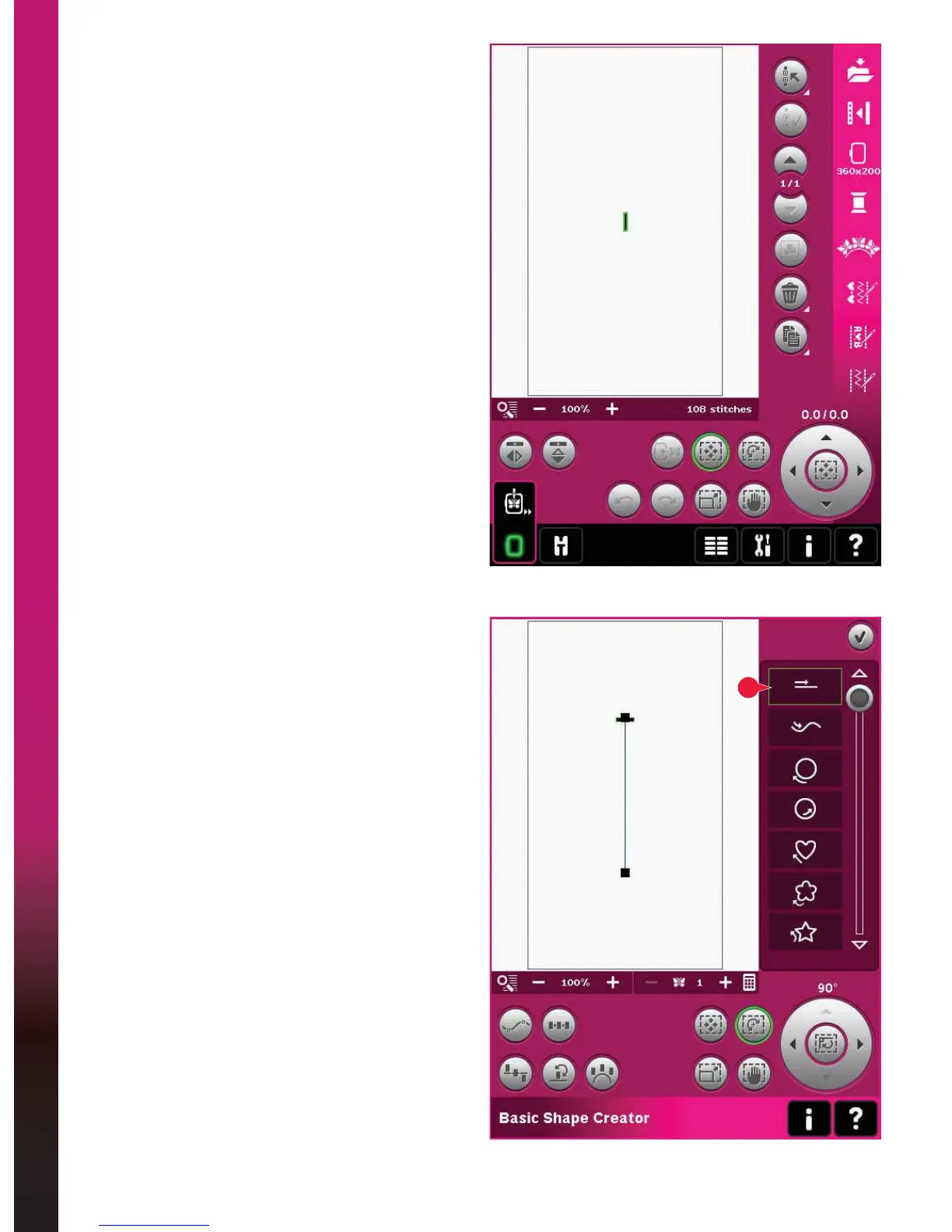
1. In embroidery mode, select hoop size 360x200
and open the selection menu. Open stitches and
select the linen buttonhole 1.3.1.
Note: If you want to change the length, width or
density of the buttonhole, use the embroidery stitch
editor. Read more on page 8:18.
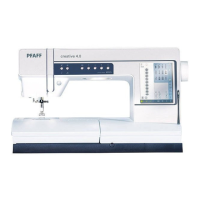
2. Open Basic Shape Creator™ feature. Select
the straight line from the list (A). Select touch
function - rotate, and then touch the wheel
center one time to rotate the baseline 90 degrees.









 To Next Page