8:24
Embroidery mode - edit
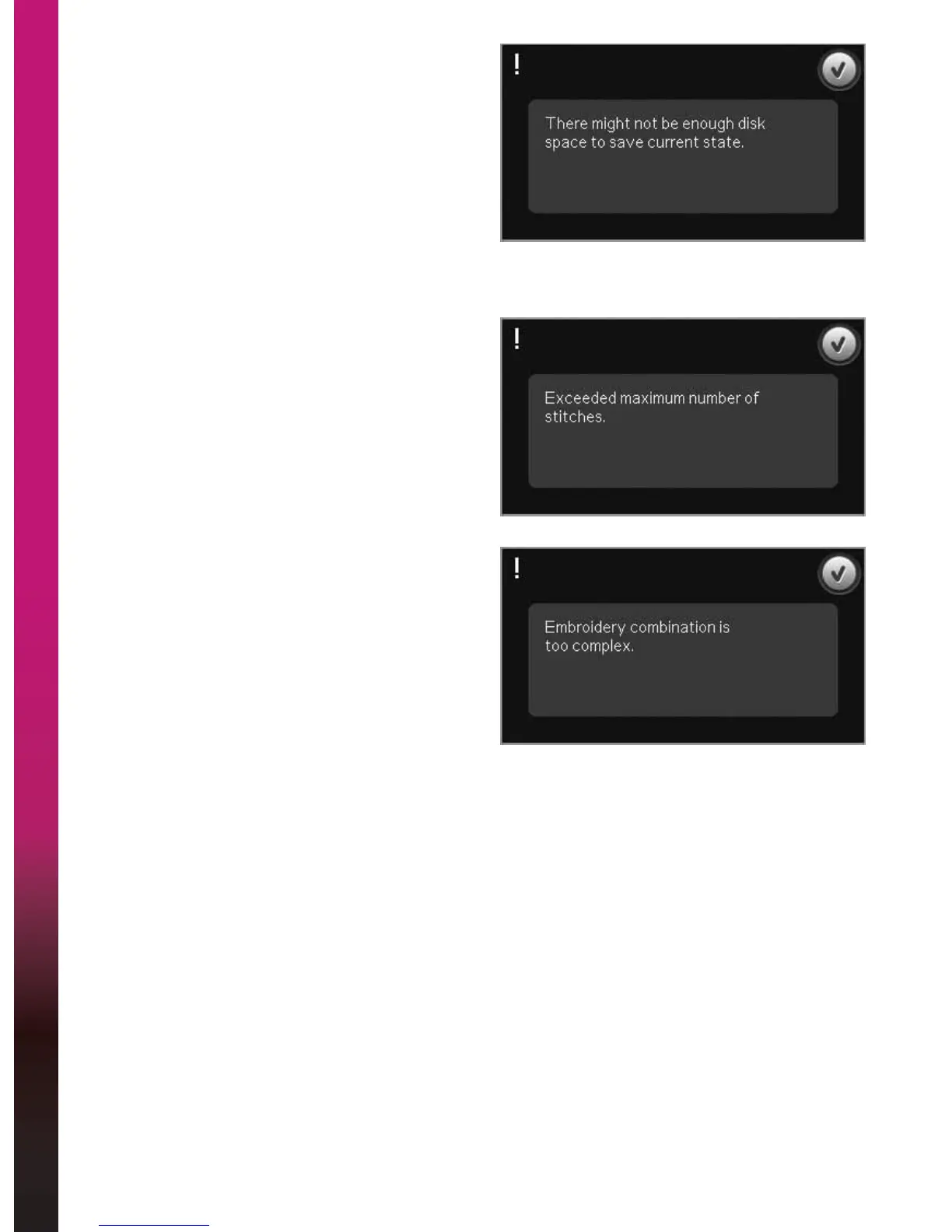
7KHUHPLJKWQRWEHHQRXJK
disk space to save current state
This pop-up appears when going to Embroidery
stitch-out and the available memory in the machine
is low. Because of low memory you might not be
able to save current state while embroidering. To
clear some memory before starting to embroider,
ÀUVWWRXFK2.WRFORVHWKHSRSXSDQGWKHQJREDFN
to Embroidery Edit and use Files & Folders to delete
ÀOHV
([FHHGHGPD[LPXPQXPEHURIVWLWFKHV
The design combination you are trying to
make contains too many stitches. Your design
combination can have up to approximately 500.000
stitches.
(PEURLGHU\FRPELQDWLRQLVWRRFRPSOH[
This pop-up appears for one of the following
reasons:
• The design combination contains too many
color blocks.
• There are too many designs in the combination.









 To Next Page