Maintenance
67
4 Check the pressure in the analysis chamber.
4a The total pressure of the analysis chamber is displayed on the front panel of the
GSD 320, or you can determine the total pressure by using the software
program.
The displayed pressure should be 1 x 10
-6
mbar
The displayed pressure must not be <1 x 10
-6
mbar
Several possible causes are listed below:
- Capillary clogged at the end
Solution: Shorten the capillary by additional 10 mm
- Orifice clogged
Solution: Replace the orifice
- Capillary clogged across the entire length
Solution: Replace the capillary
5 Connect the capillary to the measurement point.
10.2 Shortening the Capillary (Thermostar)
Preconditions System switched off
Capillary detached from measurement point
Length of capillary still adequate after shortening
Required tools Diamond scribe (scribe for fused silica)
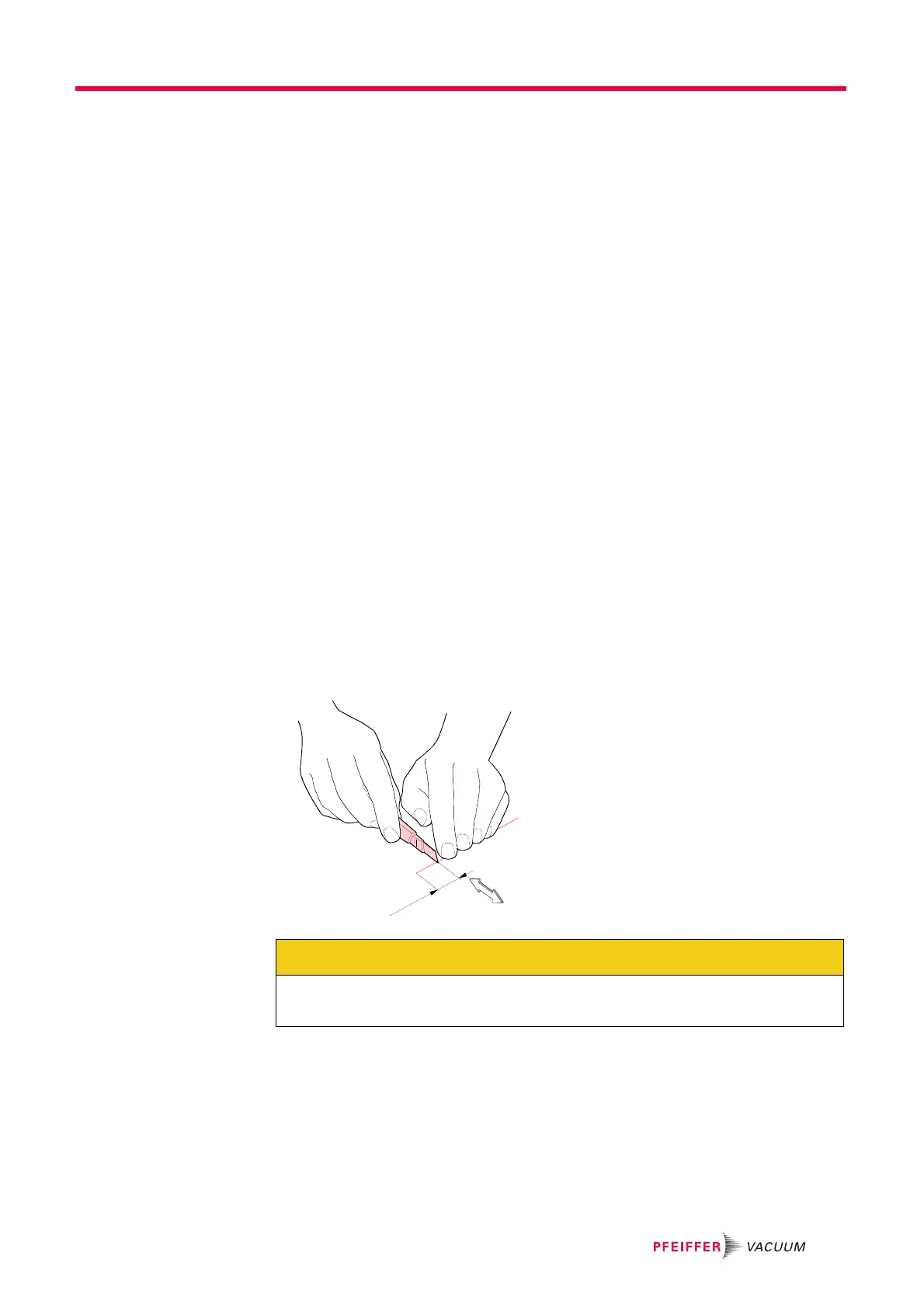
Procedure 1 Carefully notch the capillary. See Figure 10-3.
Figure 10-3 Notching the capillary
CAUTION
Do not exert pressure!
Wear safety glasses as quartz capillaries may splinter.



 To Next Page