24 | P a g e
4.3 Keypad Display Messages
Several messages will appear on the display when the unit is initially energized. When the unit has
completed its start-up routine, the default display indicating the status of the OFF, AUTO, MAN mode
will appear. Start-up display messages are detailed in Table 9 below.
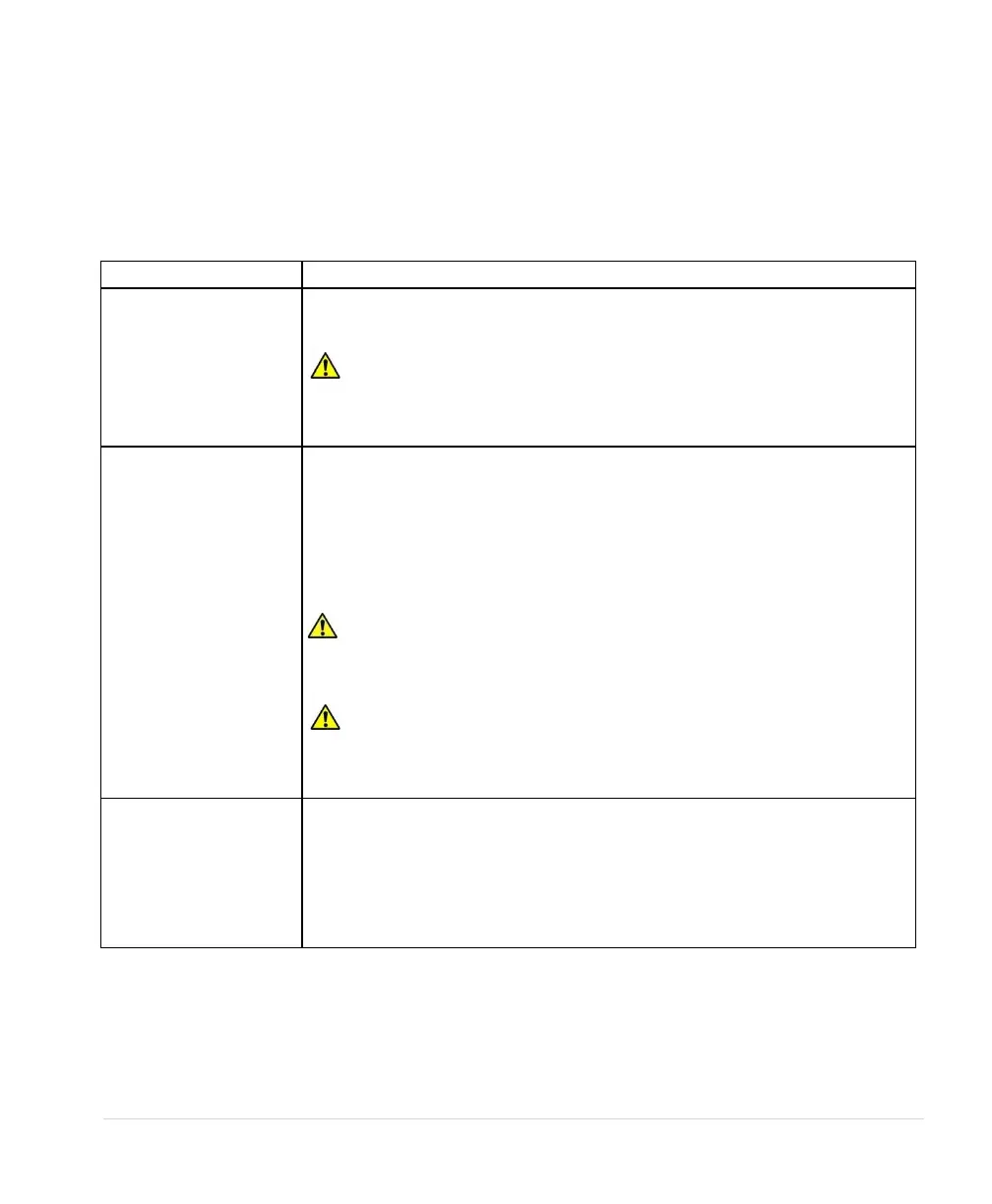
Table 9 - Display of Operating Modes
The factory default operating mode is OFF. The adjustable parameter,
ENABLE RESTARTS, must be set to YES to allow automatic re-starts. See
Table 14, Operating Parameters, for details.
CAUTION: By default, AUX1 and AUX2 are programmed to be always
in RUN mode. Opening or closing AUX1 and AUX2 to COM will not affect
drive operation. See parameters AUX1 SELECT and AUX2 SELECT to
change this setting. See Table 16 for details.
Activate MANUAL mode by pushing the MANUAL key until MANUAL
appears on top left of the display. In MANUAL mode the motor load is
controlled by using the RUN and STOP keys, which will override the AUX1
and AUX2 remote switches.
Manual control of the drive through the keypad can be disabled through the
parameter DISABLE MANUAL. See Table 16 for details.
CAUTION: Operating the system in MANUAL mode on the keypad
overrides signals from the pressures switches. Operating the system in this
mode may lead to dangerous pressures in closed plumbing systems.
CAUTION: If the 4-20 mA or 0-5 VDC control terminals are short
circuited, power will be lost to the keypad. If the drive is in MANUAL RUN
mode the drive will not respond to a STOP command on the keypad.
Disconnect input power to the drive and then fix the short circuit.
The factory default operating mode is OFF. The adjustable parameter,
ENABLE RESTARTS, must be set to 1 to allow automatic re-starts. To exit
AUTO mode, press the STOP/OFF key until OFF appears on top left of the
display. If the motor us running, it will stop. To restart the motor, revert to
either AUTO mode or MANUAL mode. Certain faults can also be cleared by
pressing the up and down arrow keys at the same time and holding for one
second.



 To Next Page