27 | P a g e
4.6 Read Measured Values
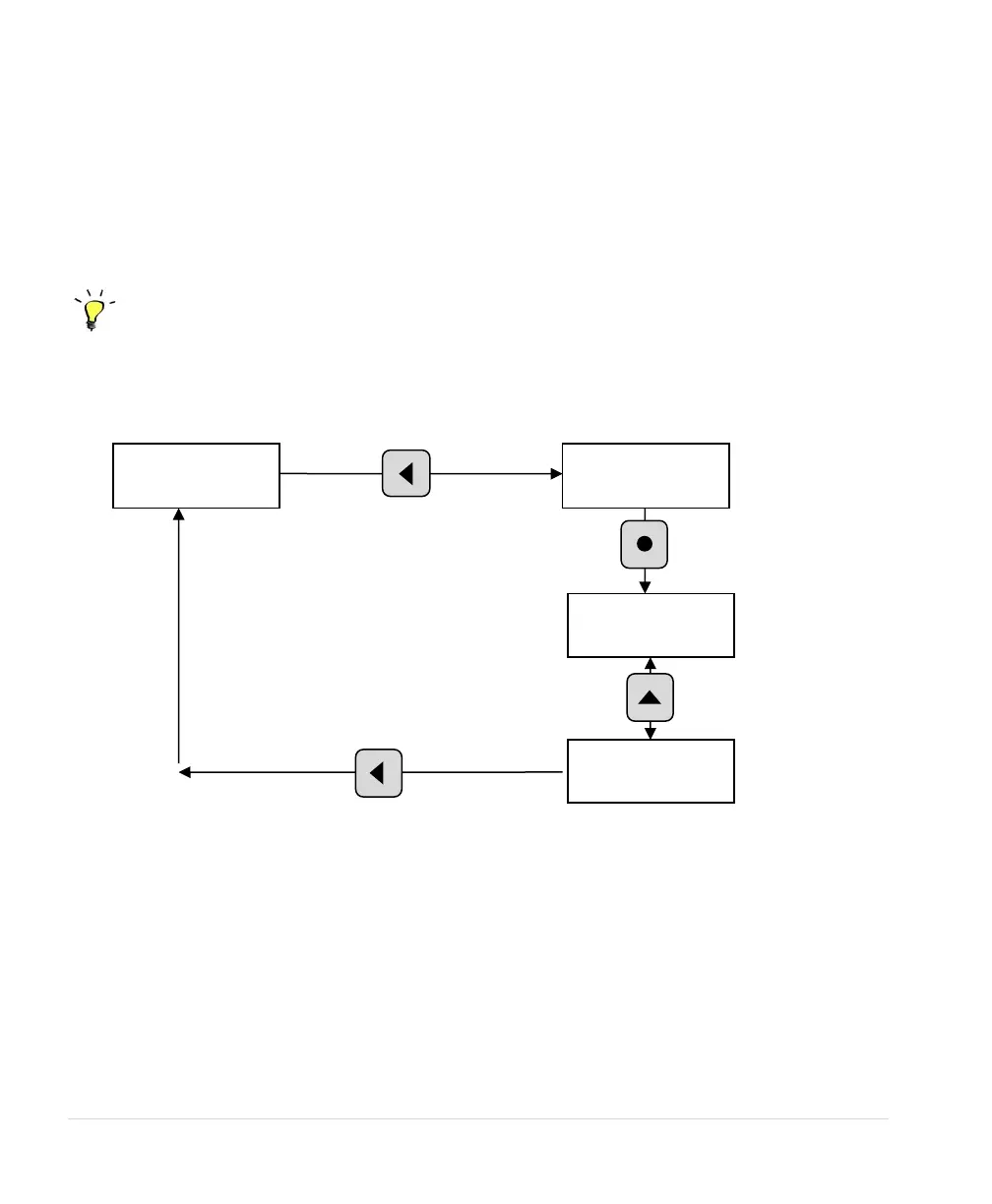
The display can provide a variety of measured values related to the performance of the drive and its
load, such as currents, horsepower, and power factor. To read measured values:
1. Press the HOME key to access Main Menu items, and then scroll with arrow keys until READ
MEASURED VALUES appears on the display.
2. Press ENTER to access this menu item.
3. Use the up and down arrow keys to scroll through the various values that you wish to read.
Programming Tip
Press the HOME key at any time to return Home screen (operating status screen).
Figure 24 – Read Measured Values



 To Next Page