26 | P a g e
4.5 Change Parameter Values
The Main Menu item, CHANGE PARAMETER VALUES, leads to several sub-menus that contain
adjustable operating parameters. These parameters provide basic functions such as motor overload
protection and advanced features that allow you to customize operation of the drive to fit your
application.
Section 5.5, starting on page 37, contains a complete list of the parameters along with a description of
their function and instructions on setting them.
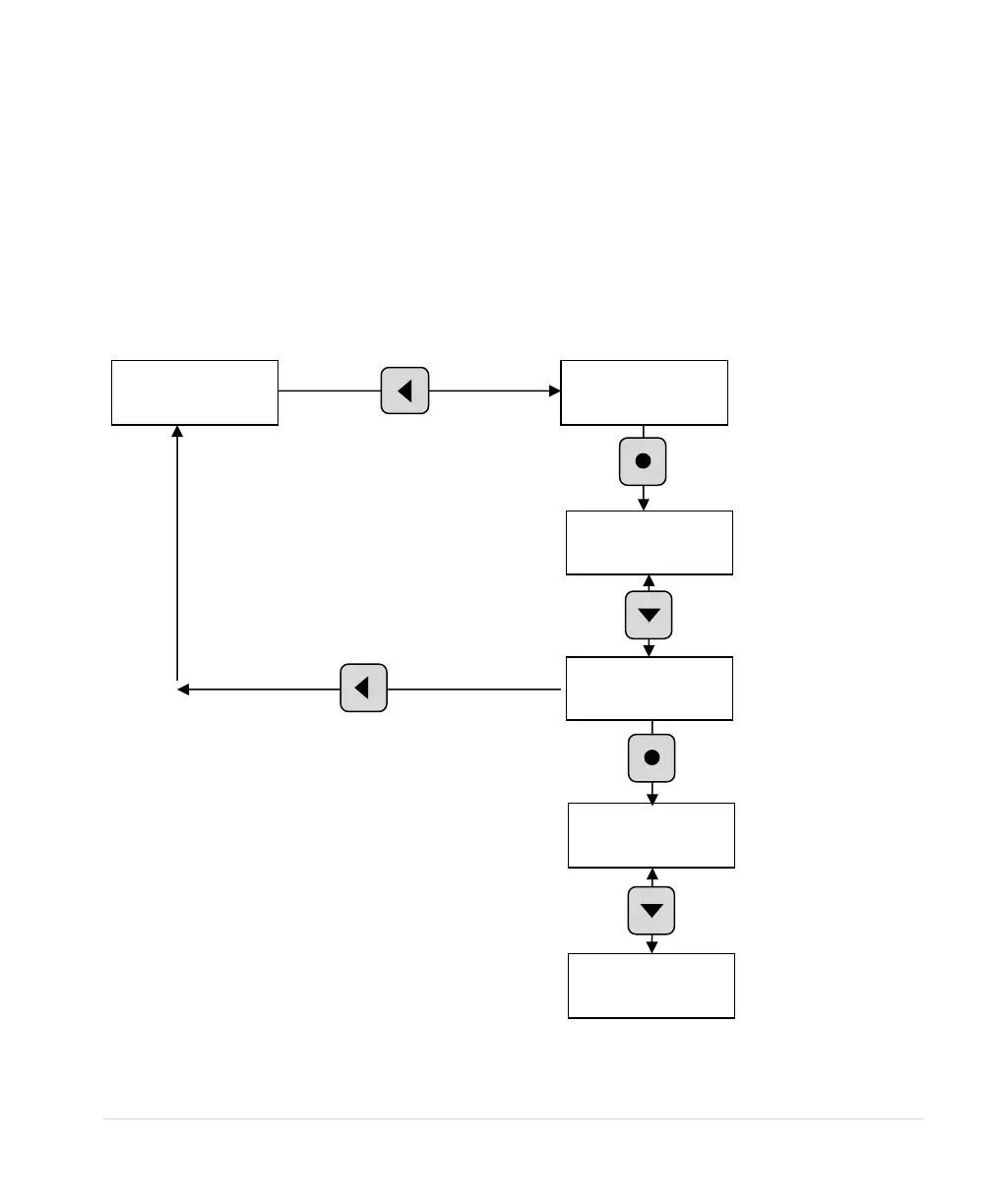
Figure 23 – Change Parameter Values
To change a parameter value, scroll to the
parameter, press ENTER, and then use the
arrow keys to change the value. Press
ENTER to save the change, or BACK to
escape without saving the change.



 To Next Page