31 | P a g e
4.8 Restart Log
The Restart Log records the number of times each fault has occurred. The fault counters in the Restart
Log are resettable, and are tied to faults that allow programmable automatic restarts. These automatic
restarts are programmed through the AUTO RESTART PARAMETERS, which is a sub-menu of the
CHANGE PARAMETER VALUES Main Menu item.
For instance, in a water well pump application, it might be useful to protect the pump from dry well
condition by setting the DRY WELL KW parameter (found in the OPERATING PARAMETERS menu)
so that the drive shuts down and registers a DRY WELL KW fault in the Restart Log.
The drive can also be programmed to automatically restart after a delay to allow time for the well to
recover. Both the time period of the delay and the number of restarts allowed can be programmed
through the AUTO RESTART PARAMETERS. The Restart Log allows the user to monitor the type and
number of faults that have occurred. If the number of dry well faults exceeds the number of automatic
restarts allowed for that fault, the drive will remain OFF until the Restart Log is cleared, which resets
ALL resettable fault counters. See Auto Restarts in Section 5.3 and refer to Table 17, for more
information.
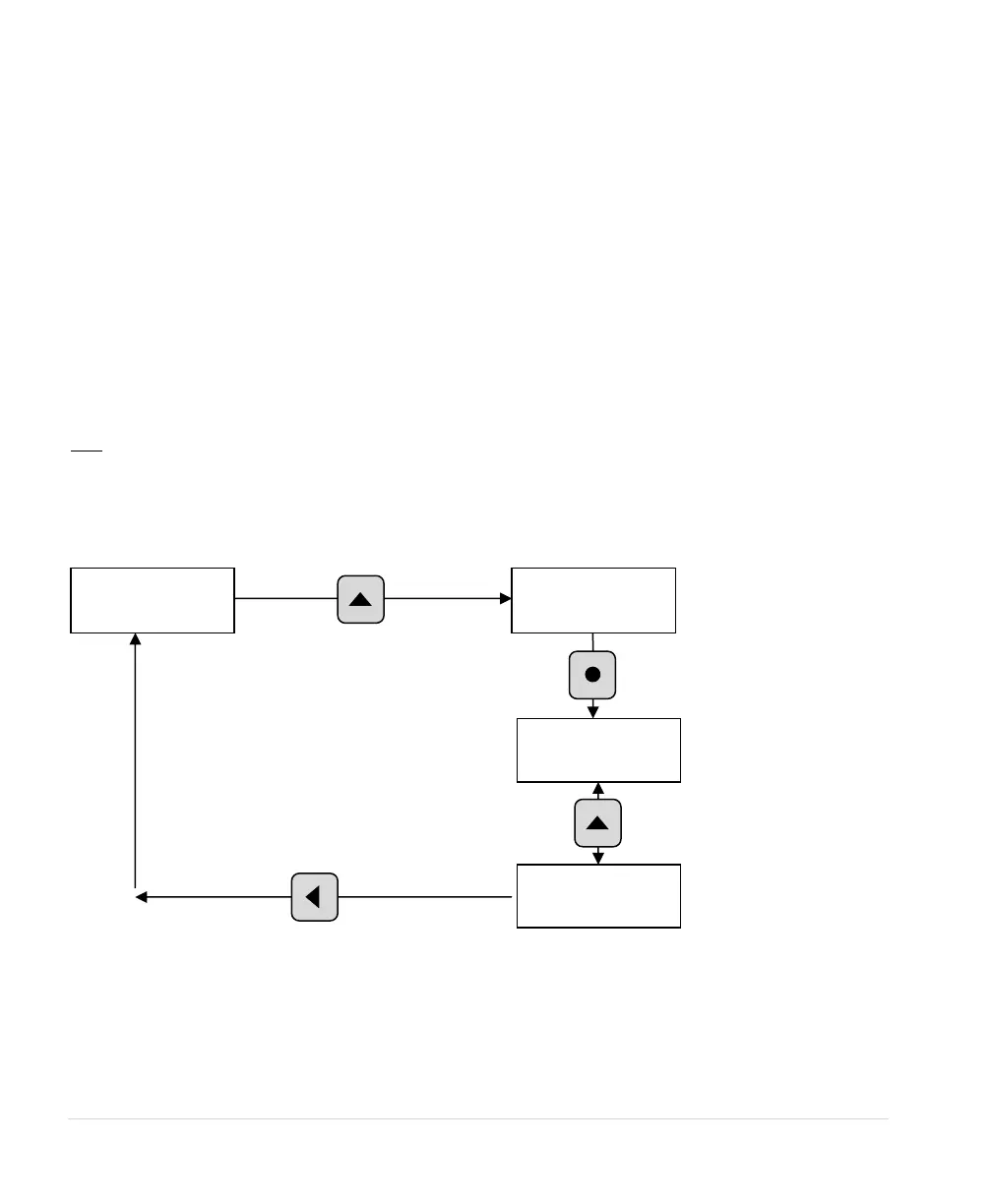
Figure 26 – Restart Log



 To Next Page