EasyManua.ls Logo

Phase Technologies SD Series - Page 39

Phase Technologies SD Series
84 pages
Print Icon
To Next Page IconTo Next Page
To Previous Page IconTo Previous Page
Loading...
33 | P a g e
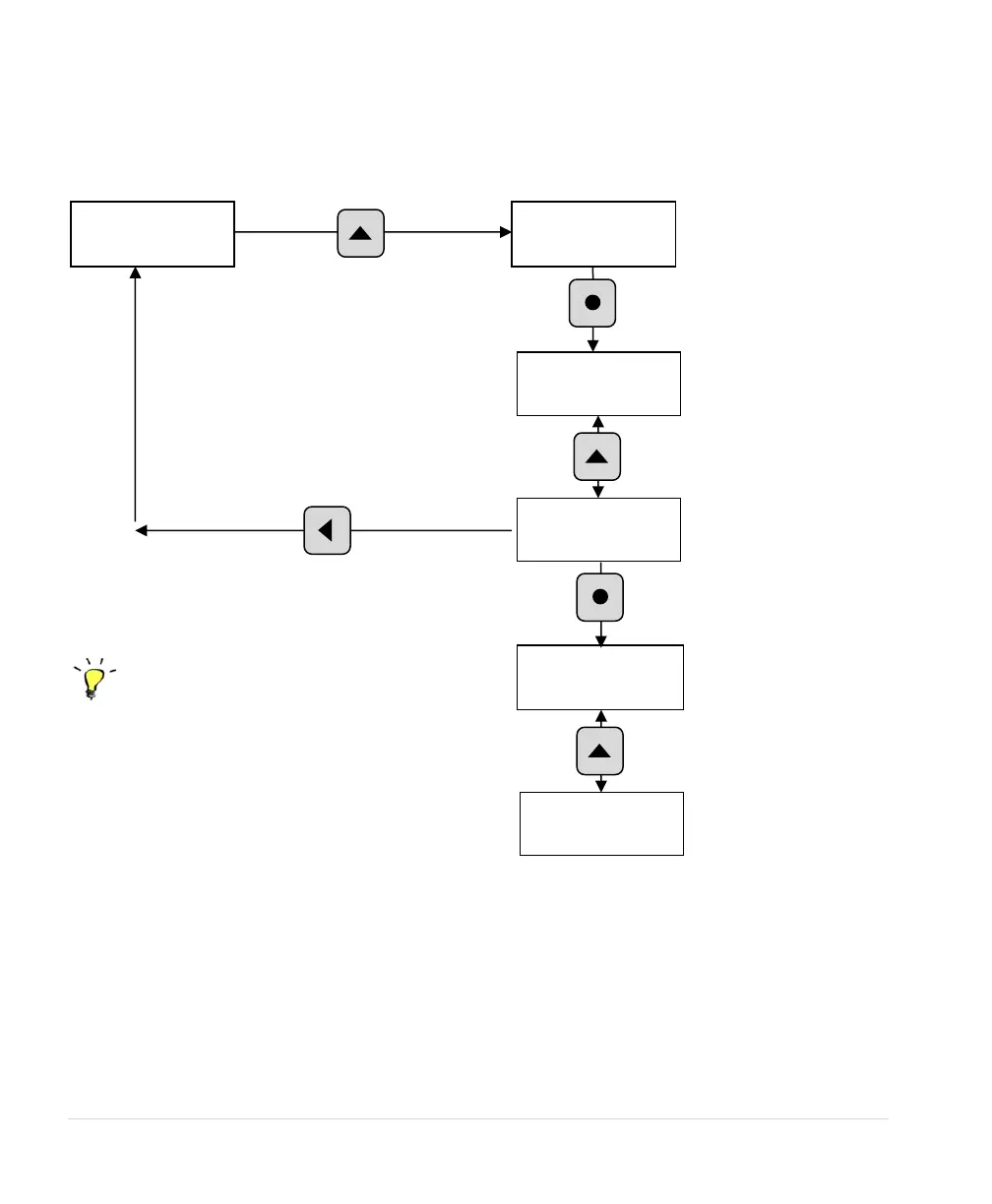
Figure 27 Fault Log
READ TIMERS
FAULT LOG
Press ENTER key to
view the Fault Log
GROUND FAULT
6
BUS OVERVOLTAGE
1
Scroll through the list
of faults with ↓↑
arrow keys
Press BACK key to escape Fault Log
back to Main Menu Items
To clear faults, navigate to the Main Menu
item,
CLEAR MEMORY, use arrow keys
to select
CLEAR RESTART LOG, then
press ENTER
BUS OVERVOLT 1
060216 14:05:32
Press ENTER key to
view the time and date
stamp for a given fault
BUS OVERVOLT 2
060216 14:10:16
Scroll through the list
of time and date
stamps with arrow
keys
Programming Tip
A maximum of 20 time and date stamps can be
applied to any given fault. After the 20
th
fault, the
oldest fault time stamp will be erased and replaced
by the most recent. The drive will continue to count
faults up to a maximum of 9,999.
Press either arrow key to
scroll Main Menu items.

Related product manuals