161
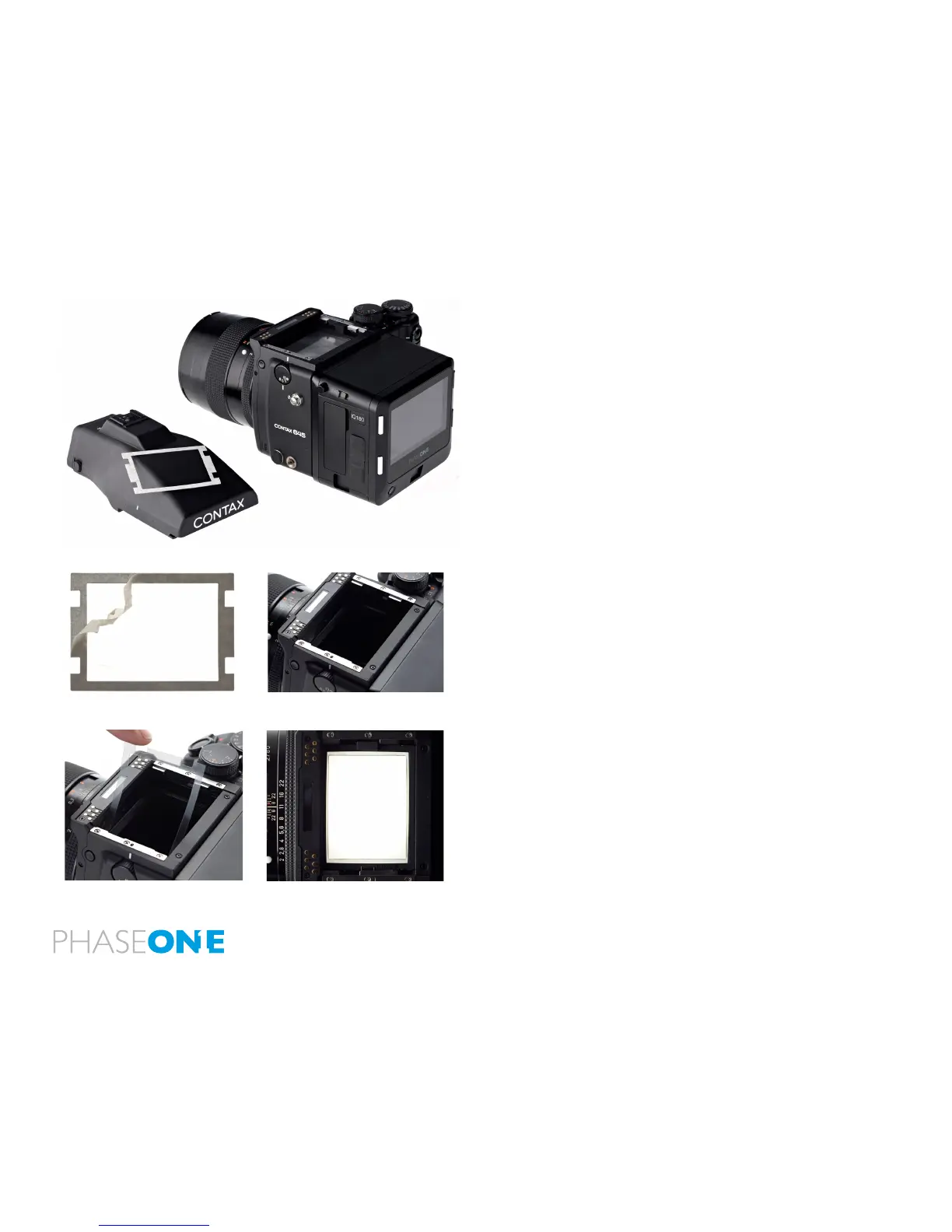
18.2 Viewnder Masking
The image area of the Contax 645 camera is 56x41.5 mm. A viewnder
mask is only needed for the smaller size of the IQ140 CCD that measures
44x33mm. Viewnder masking is not necessary for IQ280 and IQ260
models as their light sensitive CCD measures 53.9x40.4 mm.
Please check page 168 for the relevant viewnder mask.
Insert a Viewnder Mask
1. Remove the protection tape from the mask.
2. Dismount the prism/waist-level nder and remove the focus screen.
3. Place the viewnder mask in the bracket that holds the focusing
screen.
4. Re-mount the viewnder focus screen.
5. Re-attach the prism/waist-level nder.
N.B. Please check the relevant Contax 645 manual regarding how to
dismount the viewnder and remove the focus screen.
2.
3.
4.
1.



 To Next Page