64
5.7 Live View
Live View on the 645DF+ is supported in Manual or Aperture Priority
mode only. Live View in X, Tv and P mode is not supported.
Starting Live View
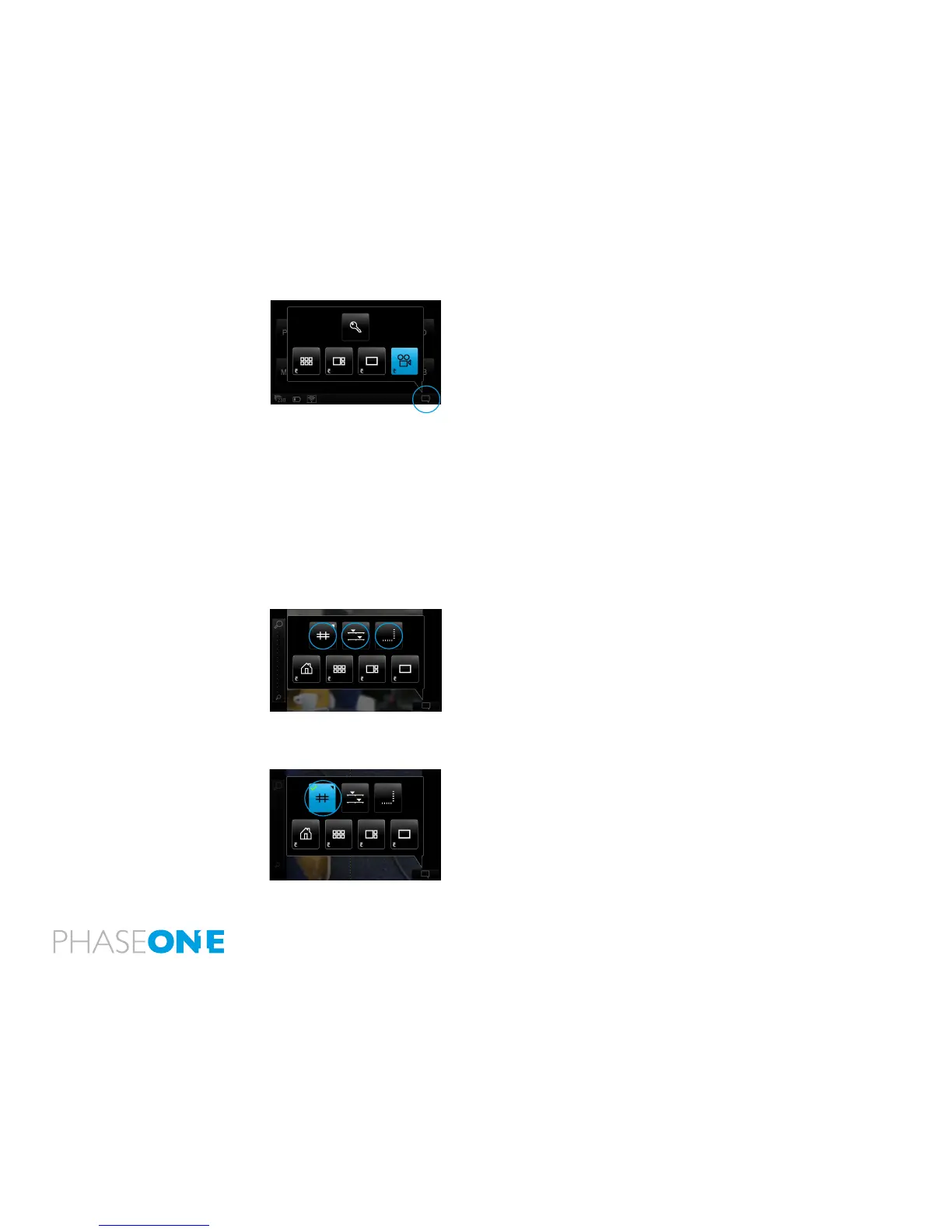
1. Live View is started from the Contextual menu pop-up in the lower
right corner of the IQ2 display
2. In the pop-up, click on the camera icon.
If the IQ2 is attached to a 645DF+ the camera automatically opens the
shutter, and live view is displayed on the screen. When you want to
capture an image, you have to exit Live view rst.
If attached to any other camera, then the shutter has to be manually or
electronically opened to get a live view on the screen.
All IQ2 backs support tethered Live View using FireWire 800 or USB3.0,
except for the IQ250 which adopts USB2.0 or USB3.0 only.
Contextual menu inside Live view
Three buttons are available in the top of the Contextual menu (in
order, left to right):
1. Grid
2. Lightness
3. Virtual Horizon
Please see the description of each feature below:
Turn on Grid inside Live view
1. In Live View, select contextual menu pop-up from lower right
corner.
2. Long press on the grid button (shown activated, in blue).



 To Next Page