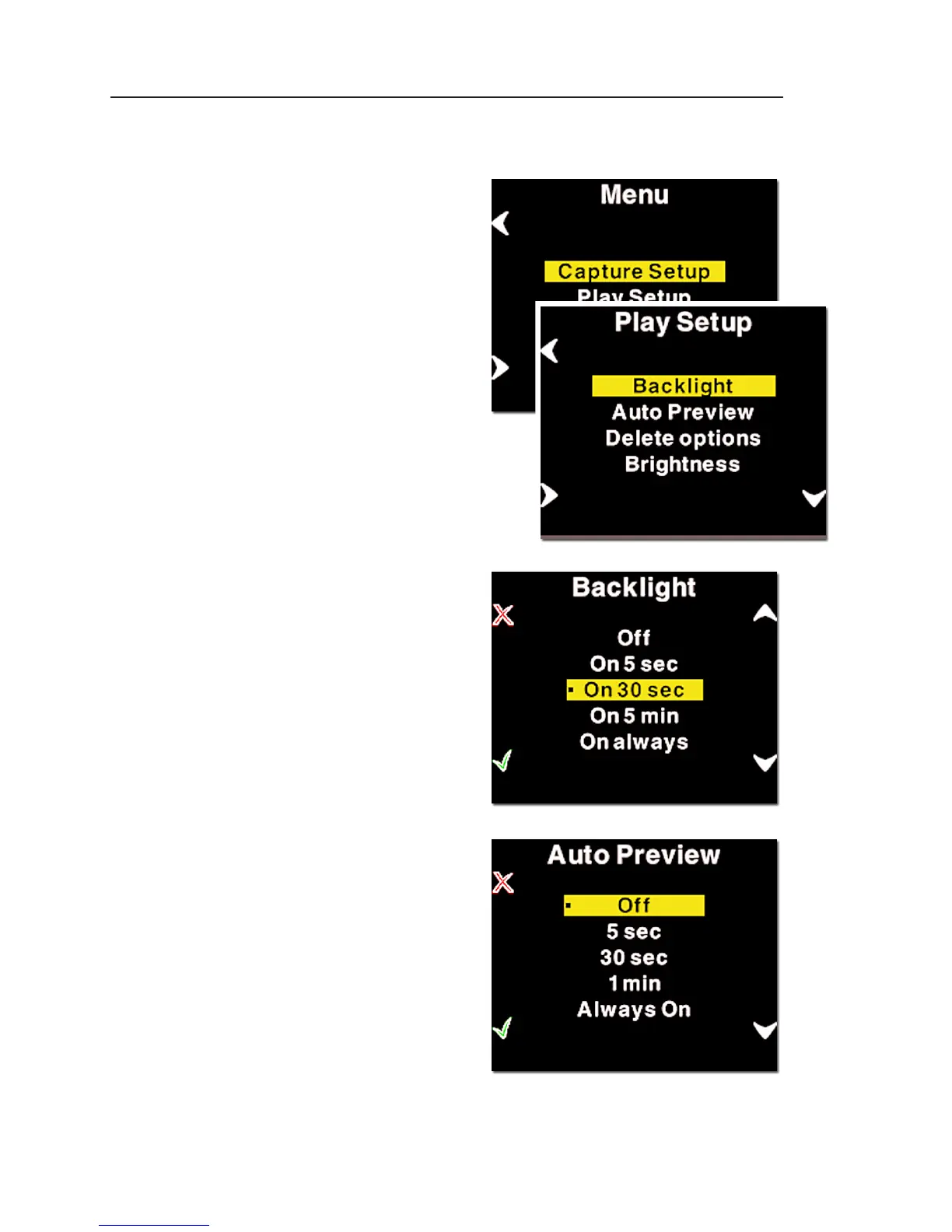
Play Setup
The second option in the
menu mode is Play Setup.
Inside "Play Setup" you
can select between
"Backlight", "Auto Pre
-
view" and "Confirm De-
lete".
Backlight
In the "Backlight" you setup
how many seconds or minutes
of inactivity there may be be-
fore the light of the display
fades.
This setting affects the
battery life of the P back.
The more time before light
is dimmed, the faster the
battery is used.
Auto Preview
The second option in "Play
Setup" is "Auto Preview".
"Auto Preview" refers to
the time the image is re-
mains on the screen after
capturing an image.
If set to off the preview will
not be shown automati-
cally when a capture is
taken.



 To Next Page