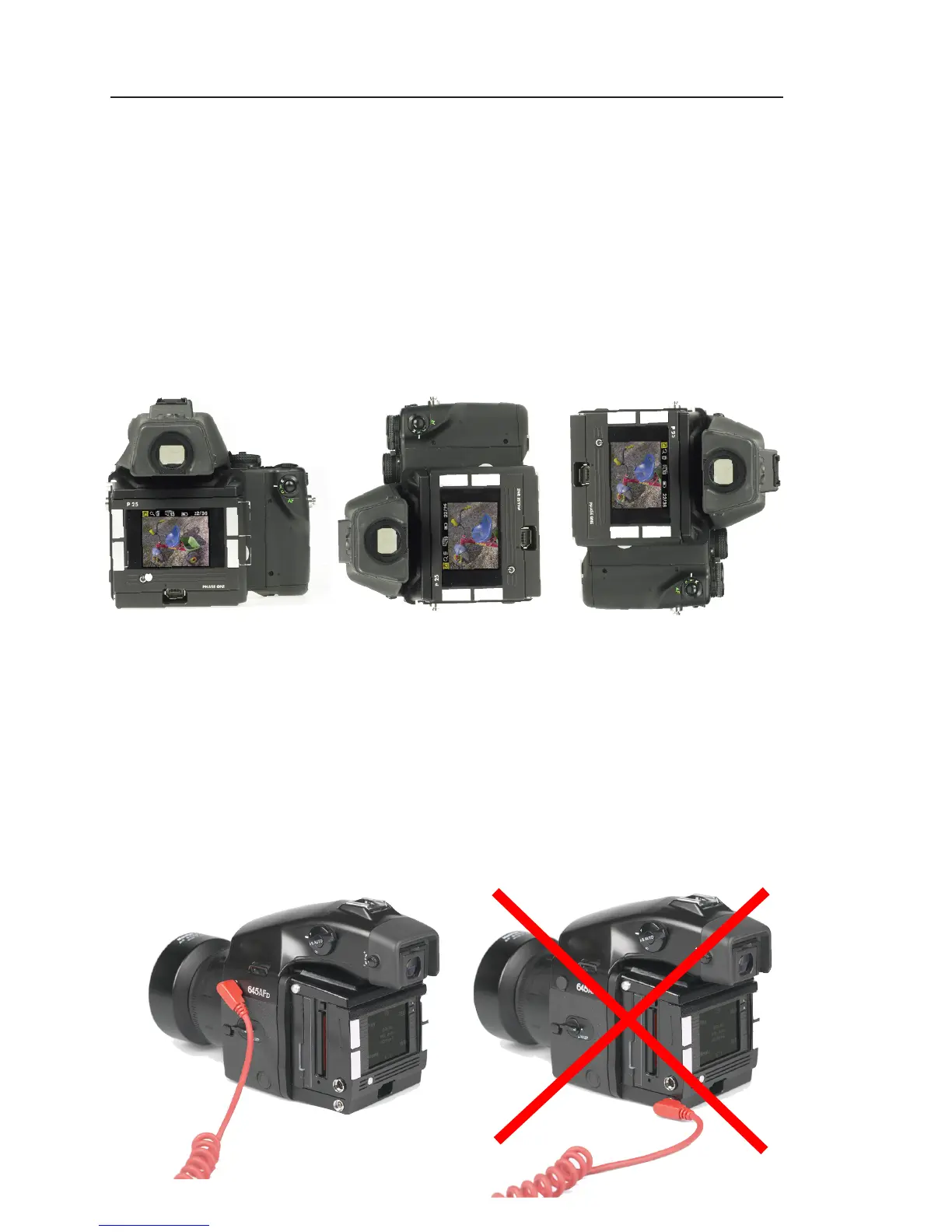
Image orientation
The CCD in P back is positioned in landscape orienta-
tion. Whenever an image is captured in portrait posi-
tion, by rotating the camera, an internal sensor detects
this new position and the image will appear as a cor-
rectly oriented image on the LCD display and in the
Capture One application.
Camera orientation: Images can be captured in all three
positions - and will appear with the correct orientation on the
LCD or in the Capture One software.
Studio flash sync on the AFD body
When using the P back on a Mamiya AFD body, the
flash sync should be connected to the Mamiya body.
The flash connector on the P back is for use with large
format cameras only.



 To Next Page