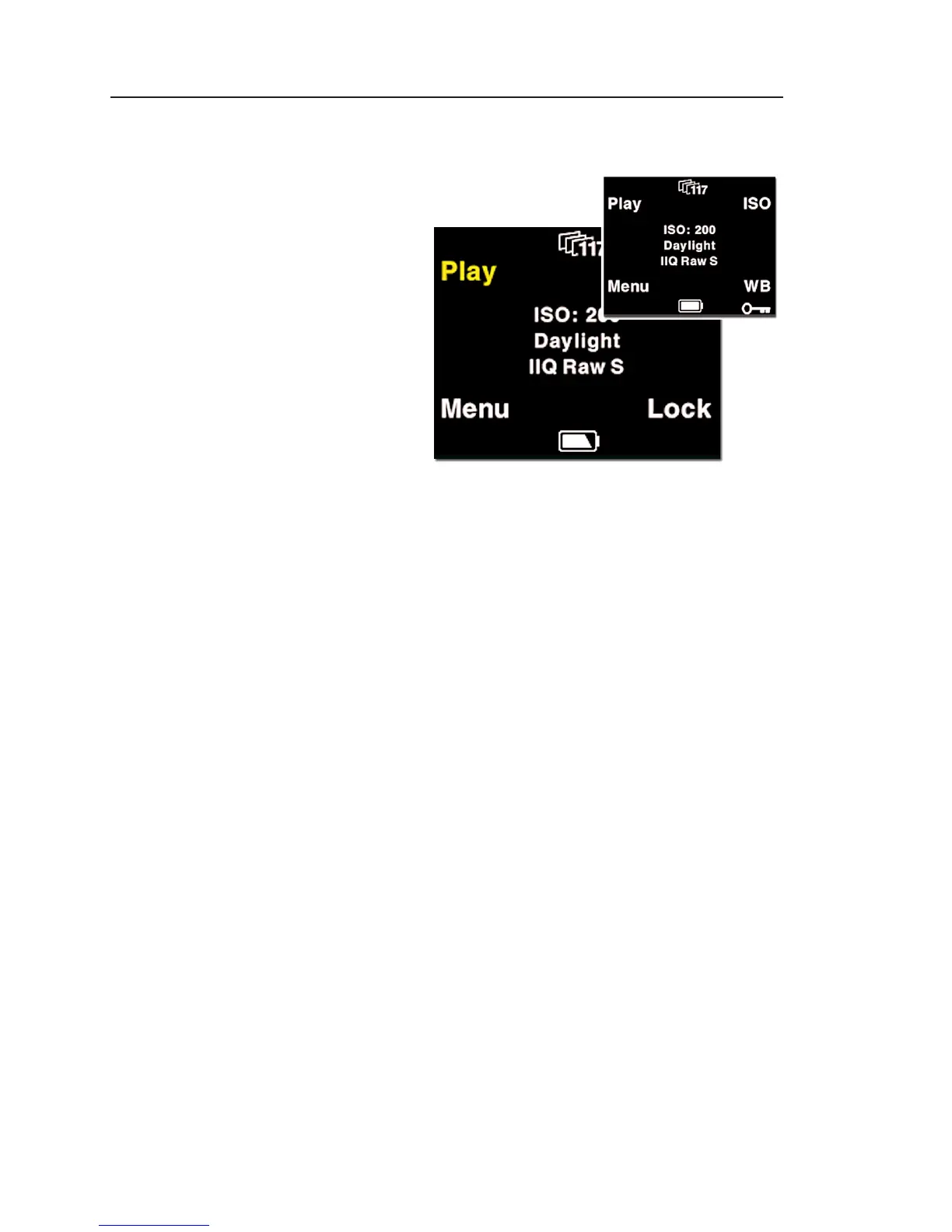
Button Lock shortcut
Holding down the
"Play" button while in
Home position col-
ors the word "Play"
in yellow, and at the
same time reveals
a shortcut with the
word "Lock" in the
place where WB
was.
Pressing this button twice when holding down the
"Play" will lock operation of the four menu buttons.
This is usefull to avoid unentended button operation
while carrying around the camera,
To Unlock the buttons hold down the "Play" button
again and tab the "Lock" button twice again.



 To Next Page