Browsing inside Zoom
While in the Zoom tool (enlargement 1, 2 or 3) holding
down the "Enter" key, will hide the two up and down
indicators. It is now possible to browse through the
images by pressing the Up and Down buttons without
leaving the Zoom functions.
This means that the exact same focus point can be
evaluated on several pictures in a row by pressing "En
-
ter" - "Up" or "Enter" - "Down".
Delete
Navigate to the delete func-
tion by pressing the play
button.
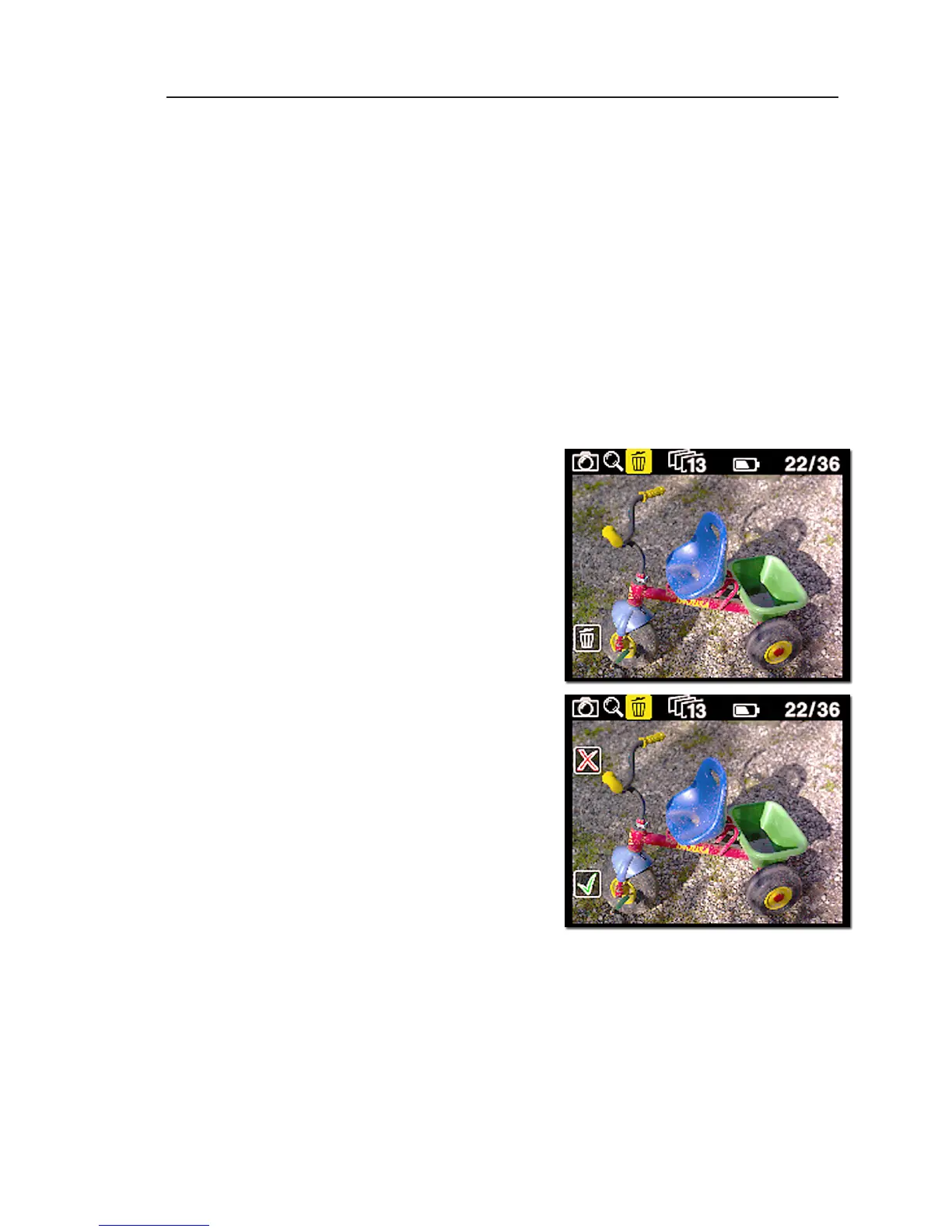
When in the delete view
press the Up and Down
buttons to browse through
images.
Pressing the Enter button
brings up an X or a V. Press-
ing "Enter" again will select
V and delete the image.
Pressing the exit button will
cancel the deletion.
If "Confirm Delete " is set to
"Off" in the "Play Setup", OK
and Cancel will be skipped, and the image deleted im
-
mediately when pressing "Enter".
Exit the Play mode
Exit the Play Setup at any time by holding down the
Play button for two seconds.



 To Next Page