28
BASIC PARAMETERS
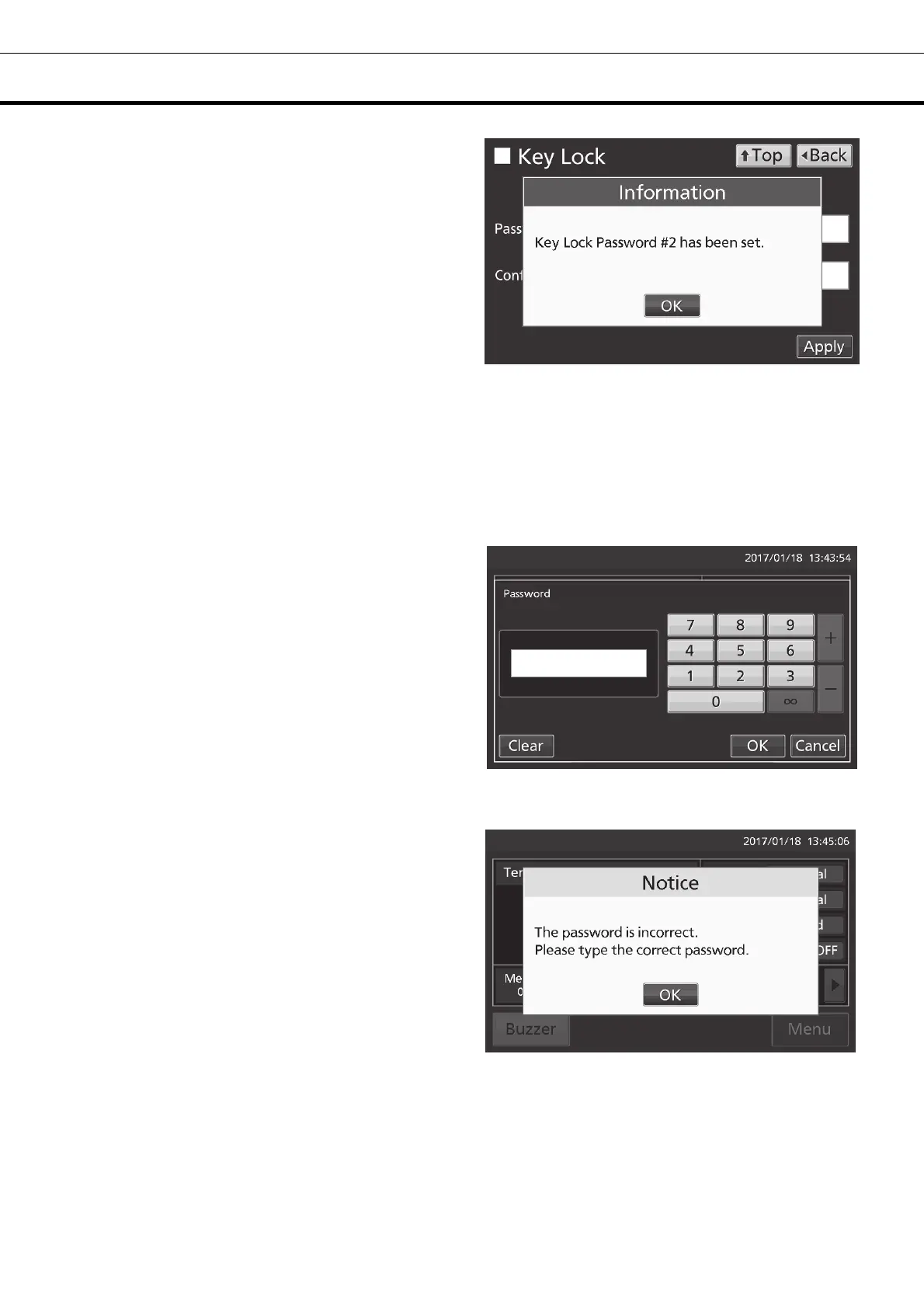
5. On the Information screen, press OK key to
return to the Menu screen.
6. On the Menu screen, press Back key to return to the Top screen.
Note: Manage the release password of Key Lock properly.
●Operation for Keylock-ON
• When pressing Menu key, Password input box is
displayed, and input of the release password of
Key Lock is required. If two passwords are
registered, you can unlock by entering one of the
passwords.
• When the inputted password is incorrect, Notice
dialog box is displayed. Press OK key, and then
input the correct password.











 To Next Page