38
OPERATION/ALARM LOG
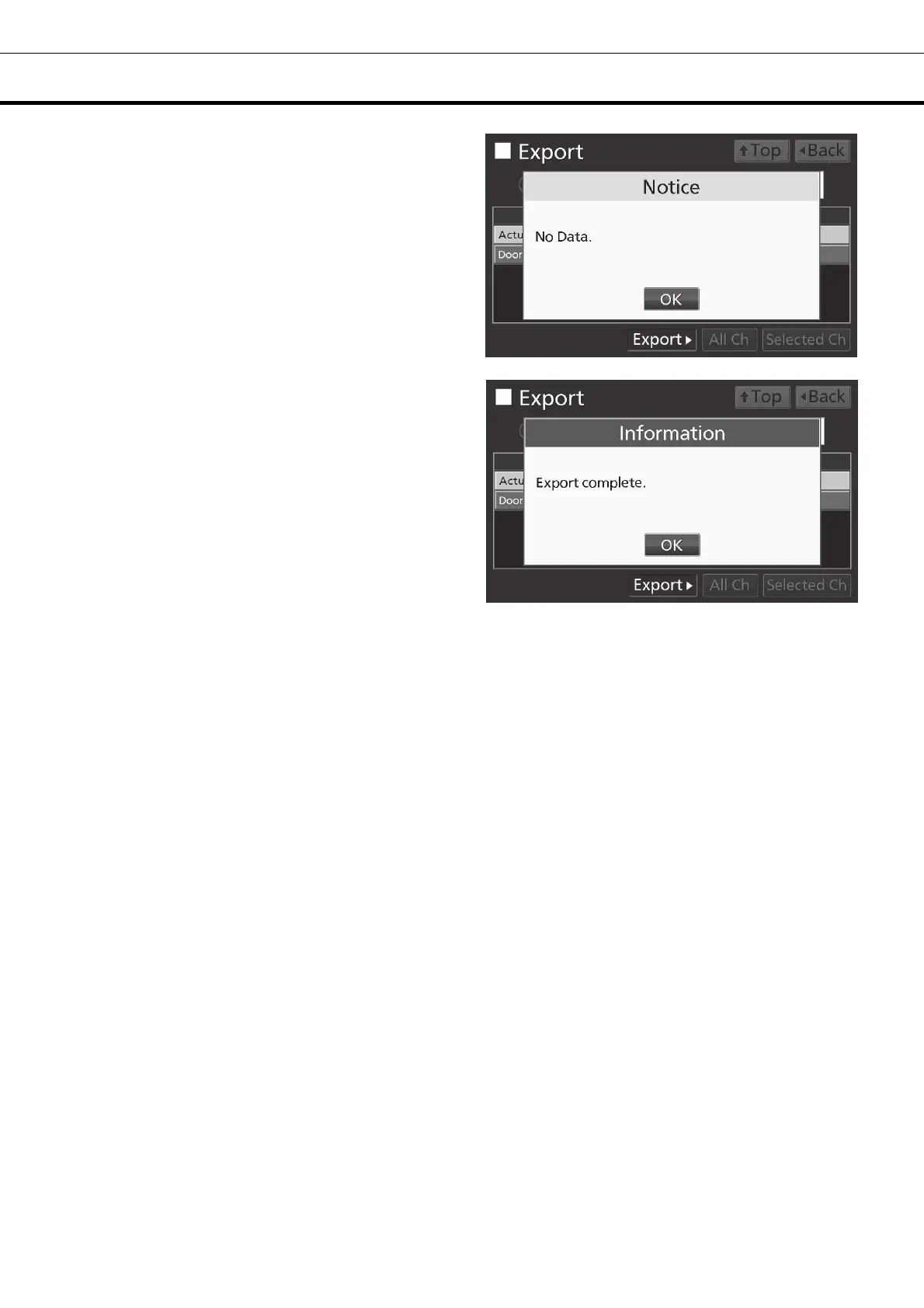
Note: When the specified operation log data does
not exist, Notice dialog box is displayed. Press OK
key, and then re-specified according to procedure
5 and 6.
7. When the export is complete, Information dialog
box is displayed. Press OK key.
Note: Even after the export of operation log data is
complete, operation log data saved in the unit are
not deleted.
8. Remove the USB memory from the USB port.
Note:
• The log folder is created in the USB memory, and the exported file is saved in it in CSV format. The
exported file name is in date (8 digits) - type of data format.
(e.g.) When exporting all types of data using All (from Jan. 1st, 2017 to Oct. 1st, 2017):
20170101-20171001_AllCh.csv
20170101-20171001_Door.csv
(e.g.) When exporting Actual Temp. using 1 Day (Jan. 1st, 2017):
20170101_Temp.csv
If the file name is duplicated, A sequential number such as "-1" is added to the end of the file name to
be output later.
• On the beginning of the exported file, product name (“MDF-DU302VX”) is written. However when the
Unique ID is registered [page 33], product name and Unique ID (8-digit) are written.
(e.g.) When “RoomA001” is set as the Unique ID of MDF-DU302VX:
MDF-DU302VX, RoomA001
9. Press Top key to return to the Top screen.











 To Next Page