43
OPERATION/ALARM LOG
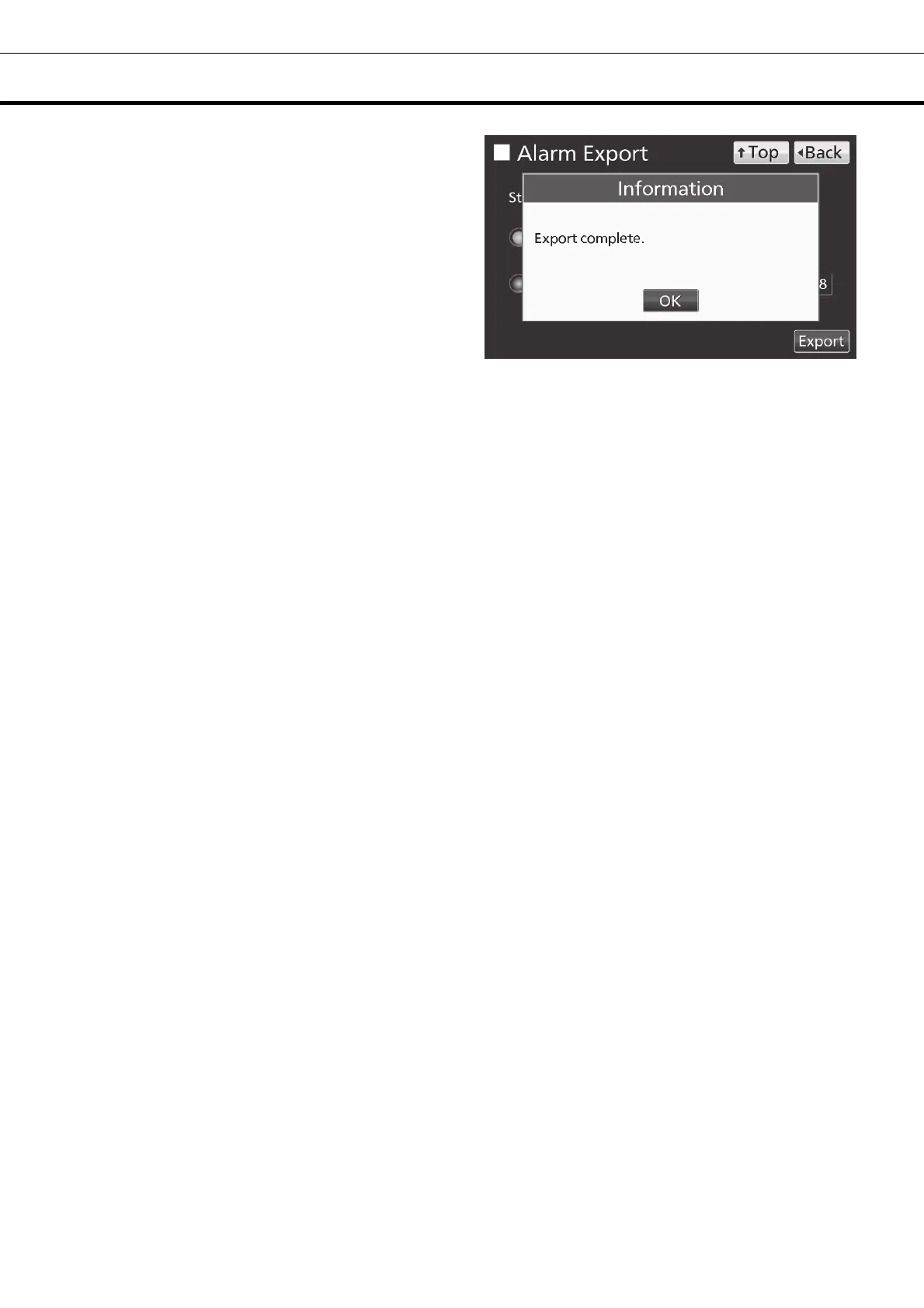
7. Even after completion the export of alarm log
data, Information dialog box is displayed. Press OK
key.
Note: After completing the export of alarm log data,
alarm log data saved at unit is not deleted.
8. Remove a USB memory from the USB port.
Note: A log folder is created in a USB memory, and an exported data file is saved in the log folder by
CSV format.
Exported file name; The first date during exported period (8 digits) + the last date (8 digits) + AlarmLog
Example) When exporting alarm log data for 7 days on January 7, 2017;
20170101-20170107_AlarmLog.csv
If the file name is duplicated, A sequential number such as "-1" is added to the end of the file name to
be output later.
9. Press Top key to return to the Top screen.











 To Next Page