CLOSE CAPTIONING
1
-
2
from the four Closed Caption options (CC
3
the remote control to remove the menu from the
lose Captioning (CC) allows you to read the v
vision programs on the TV screen. Designed to
help the hearing impaired
, this feature uses onscreen
“text boxes” to show dialogue and conversations while the TV
1
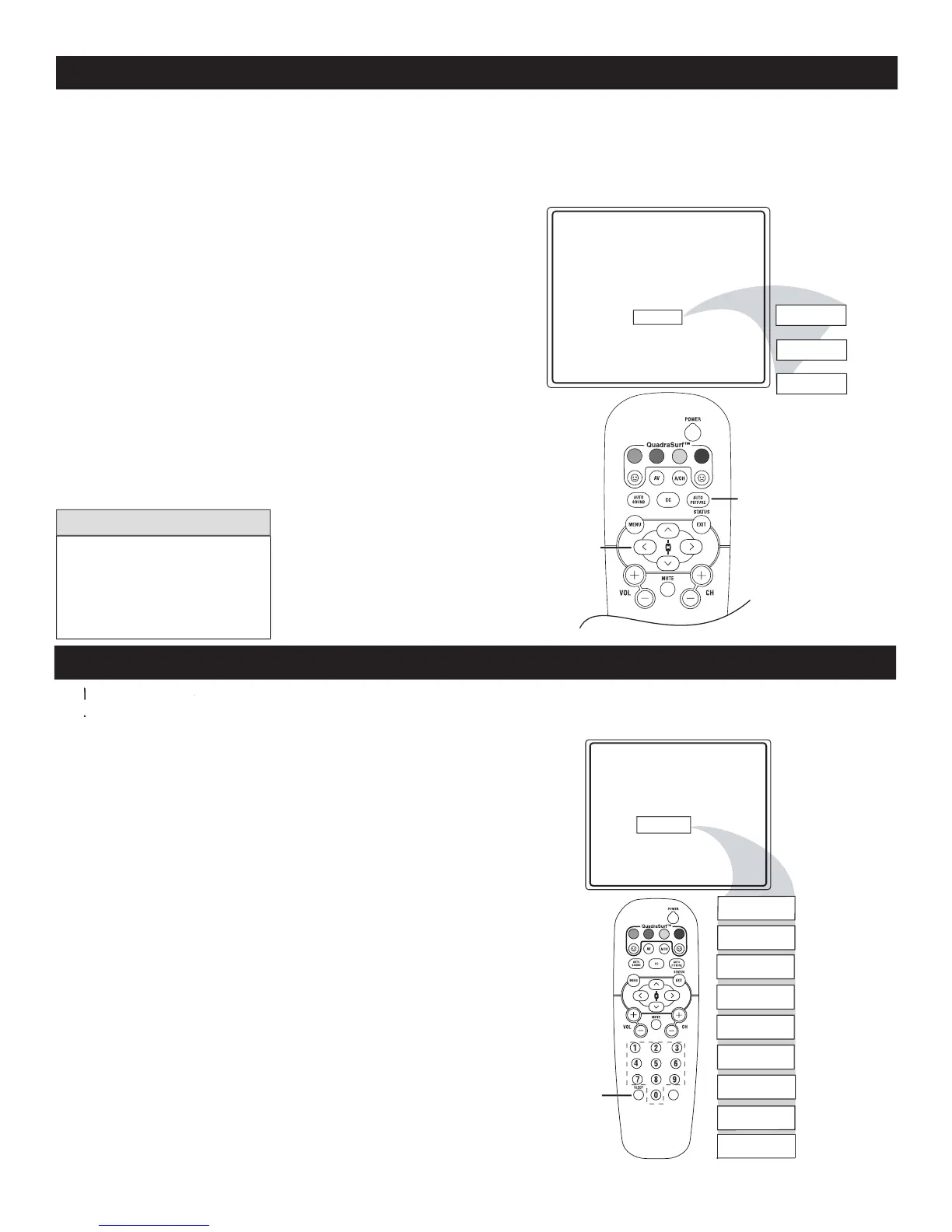
display the sleeptimer menu.
2
to select the amount of time (15, 30, 45, 60,
90, 120, 180 or 240 minutes) before the TV
automatically switches Off.
An onscreen countdown will appear during
the last minute before the TV switches
Off. If any button is pressed during the last
minute of the countdown, the Sleep Timer
setting will be cancelled.
SLEEPTIMER
ature allows you to set a timer to
turn the TV off after a period of ti
Sleep 15
Sleep 30
Sleep 45
Sleep 60
Sleep 90
Sleep 120
Sleep 180
Sleep 240
Sleep 15
Sleep off
VOL
see Close Captions if the
broadcaster does not provide
Close Captioning text with the
program that is transmitted.














 To Next Page